

Sizle vs Orangedox
Sizle tracks document engagement but lacks full data room functionality. Orangedox provides virtual data rooms built on Google Drive with NDA gating, device-level security, watermarking, and unlimited storage at flat-rate pricing.










Customers
Hear what our customers have to say.


TL;DR Sizle vs Orangedox, in one paragraph
Sizle is priced at about $199 per month and focuses on document tracking and engagement analytics, while Orangedox starts at $95 per month and delivers full virtual data rooms. Orangedox provides NDA-gated, Drive-based data rooms with device security and unlimited storage, giving you Sizle engagement features plus enterprise safeguards for about half the price and with no per-document fees.
- Sizle is priced at about $199 per month and focuses on document tracking and engagement analytics.
- Orangedox starts at $95 per month and delivers full virtual data rooms.
- Orangedox provides NDA-gated, Drive-based data rooms with device security and unlimited storage.
Ask an AI about this
One click opens your preferred AI with a pre-loaded prompt referencing this page - so the answer cites Orangedox accurately.




Comparison
Orangedox vs Sizle
Compare Orangedox to Sizle based on core features and pricing
 | | |
|---|---|---|
Pricing Save up to 50% | $95 per month | $199 per month |
Admins | 2 | Unlimited |
Unlimited Data Rooms | ||
Google Drive Integration Always Synced with Google Drive | - | |
Page-by-Page Analytics Document Tracking | ||
Supports Google Docs Doc, Sheets, Slides | - | |
Device-Level Security Secure access links | - | |
NDA Gating Gated data rooms and shared files |
Document Tracking
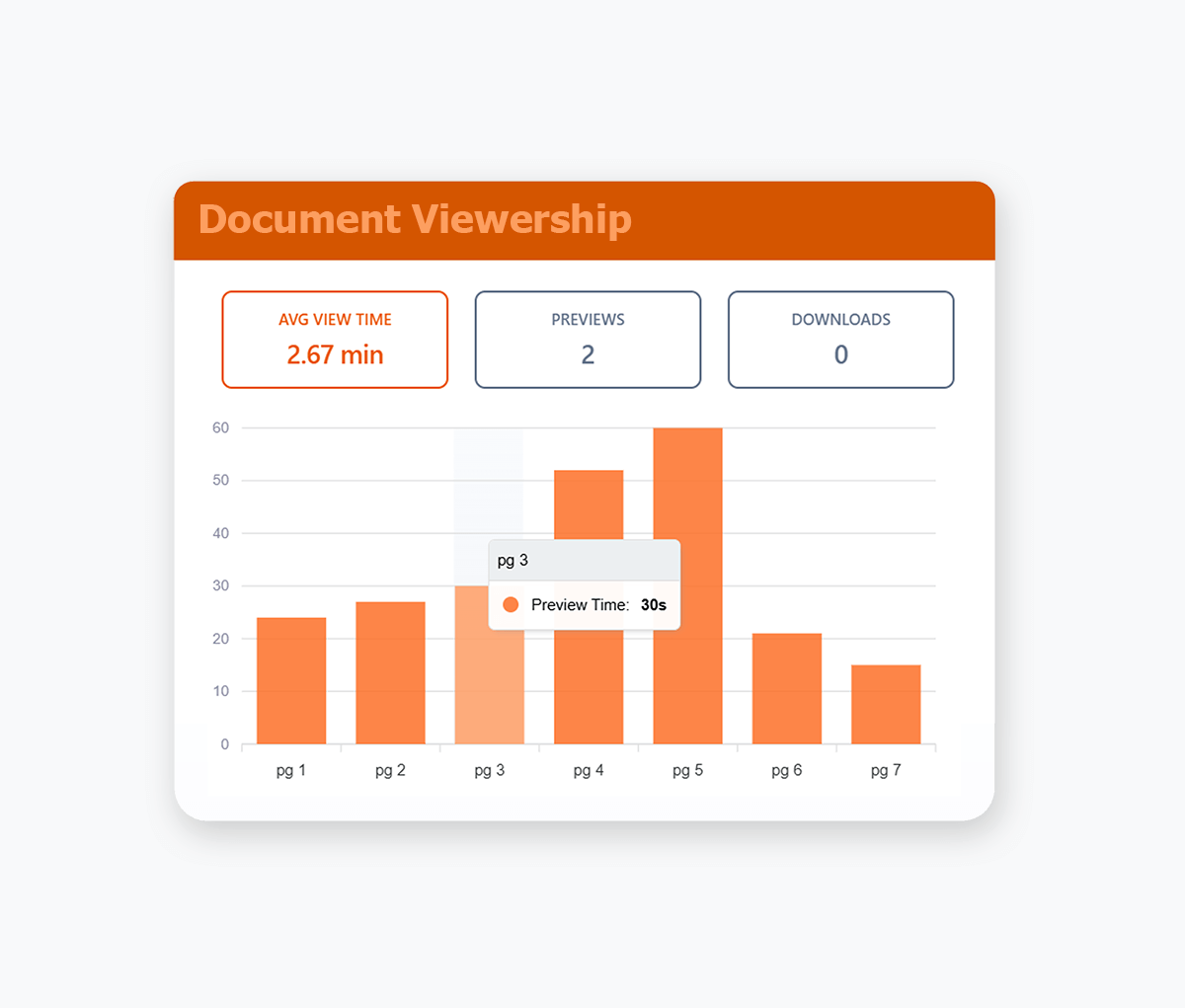
Page by Page Document Tracking
Track your documents, right down to the pages that your recipients view, including how long they stay on each page.
- See page-by-page engagement for every recipient, including which sections they've focused on'.
- Get real-time notifications when someone opens your documents so you know when to follow up.
- Track engagement across documents, videos, and audio files to see what content actually resonates.
- Identify which sections cause drop-off so you can tighten your decks and documents over time.
- Compare engagement across recipients to spot your most serious buyers or investors at a glance.
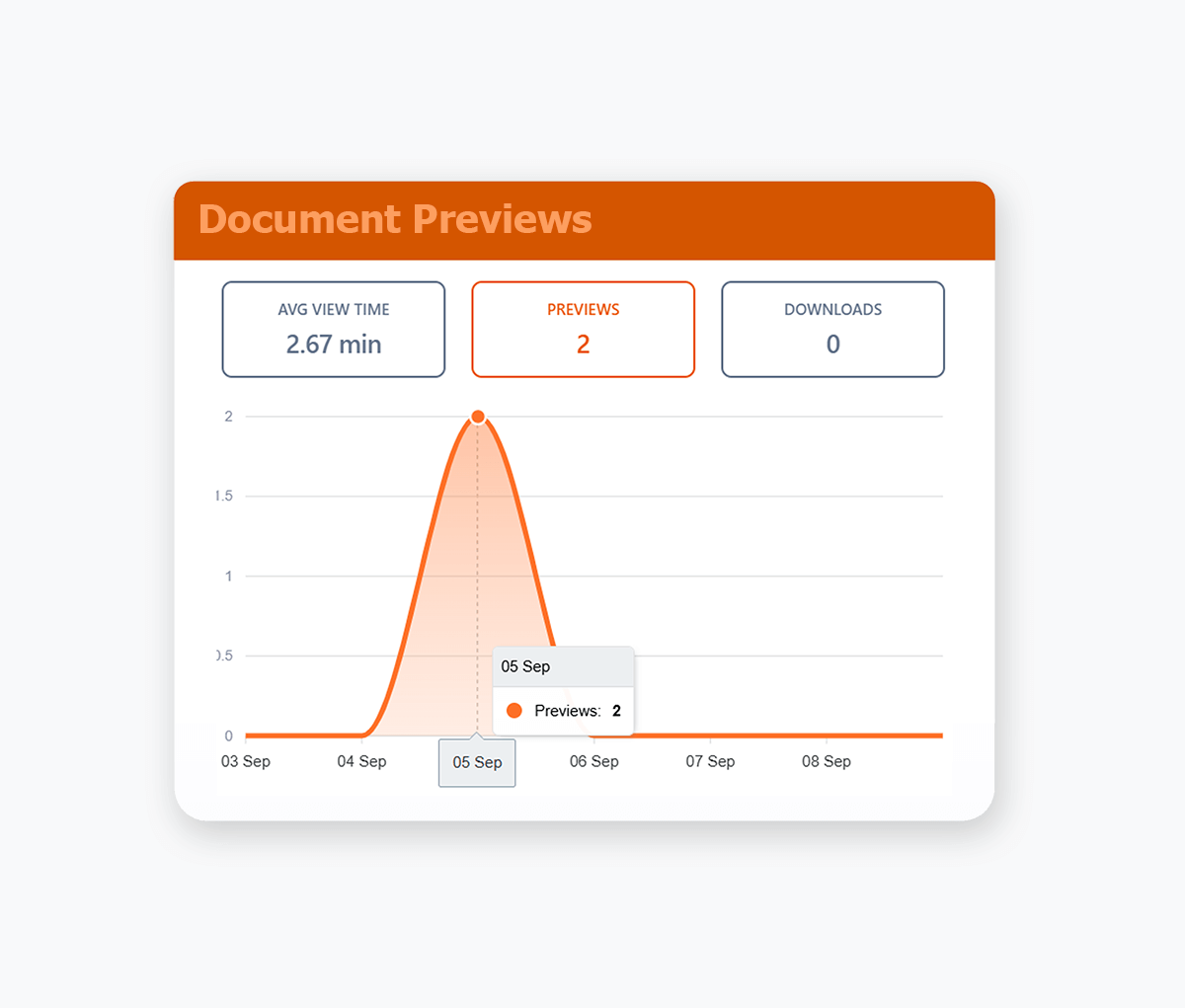
Online Document Preview
Preview Files Directly in the Browser
Preview documents, images, videos, and files in your browser. Support for Google Docs, PDFs, Office and 25+ other formats.
- Keep the experience seamless by letting viewers open everything in one secure, branded viewer.
- Combine preview with download controls so you decide which files can be saved and which stay view-only.
- Automatic synced with your Google Drive or Dropbox.
- PDF Documents, Google Docs/Sheets/Slides, MS Word & Powerpoint, Video, Images, Audio Files, Text files and more.
Dynamic Watermarking
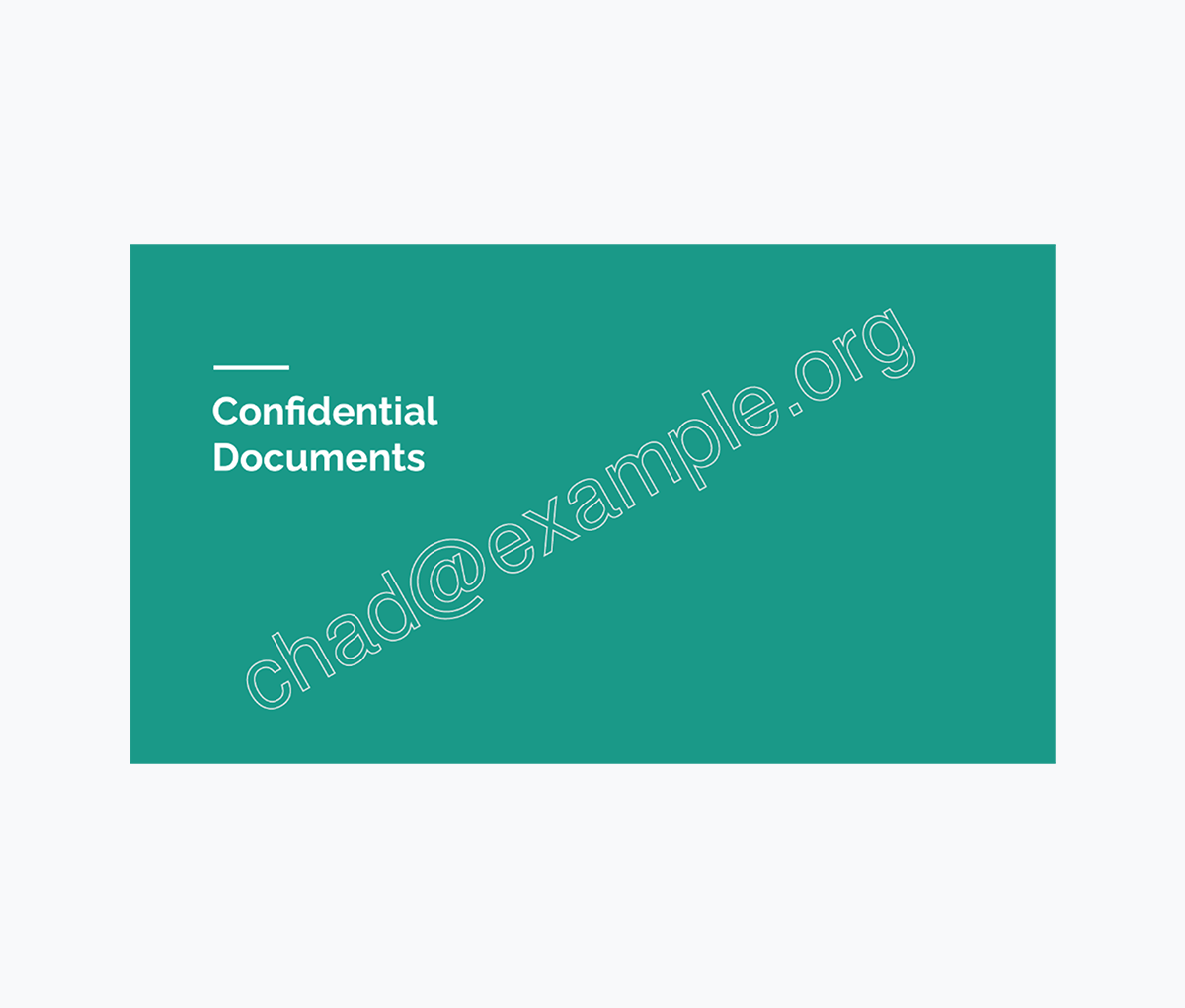
Recipient Email Watermarking
Dynamically applied watermarks with each recipient's unique email address.
- Ensure confidential documents are shared with accountability.
- Dynamically applied whenever your recipients view or download your documents.
- Know exactly who has shared your document with email recipient watermarking.
Branding
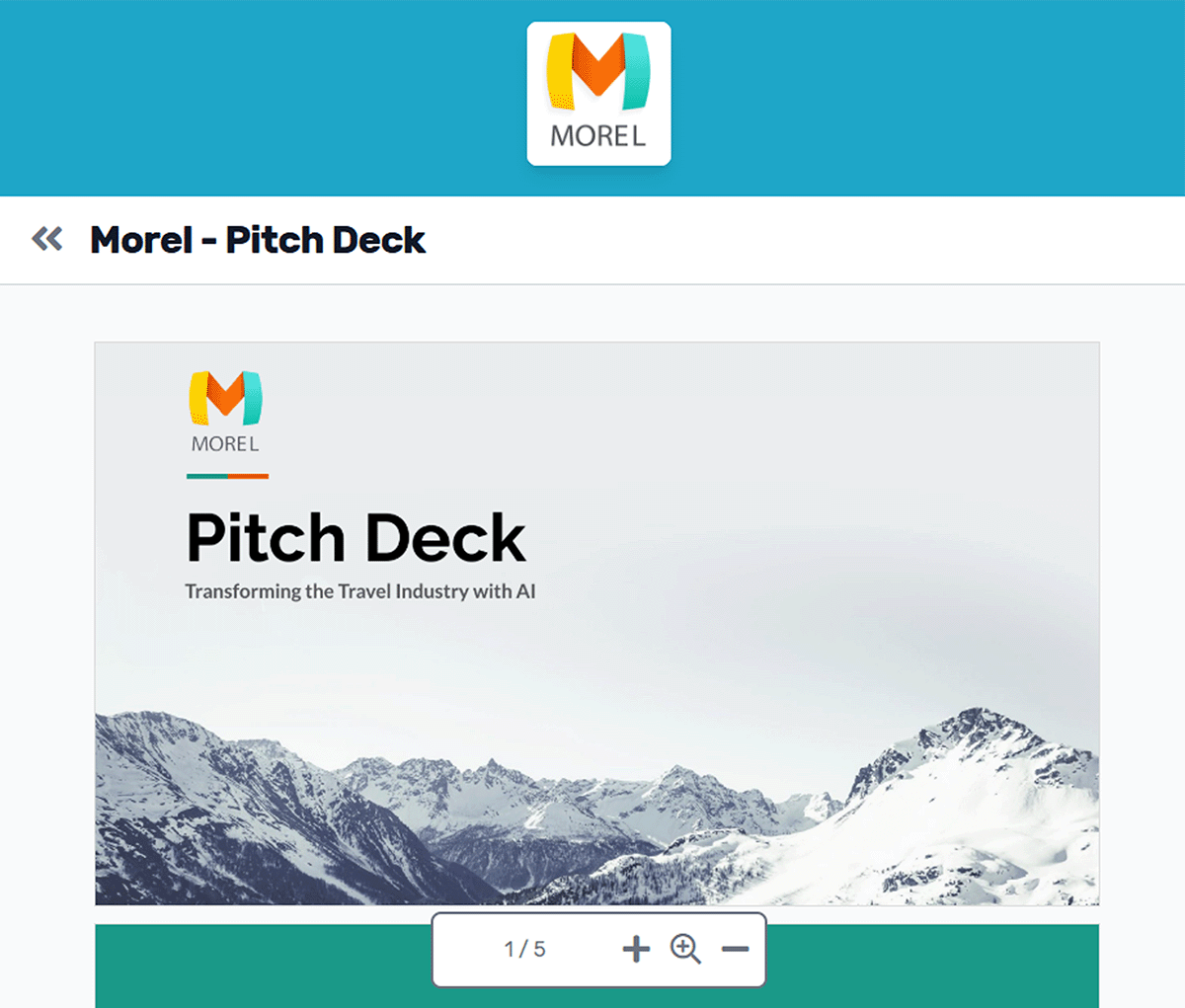
Custom Document Branding
Customize your virtual data rooms & shared documents with your logo & colour scheme.
- Replace generic Google Drive and Dropbox share links with professional branded documents.
- Apply consistent corporate branding to build client confidence and trust.
- Maintain credibility when sharing confidential documents, proposals, and contracts.
- Enforce brand guidelines automatically to maintain professional standards and corporate identity.
- Customize color schemes for headers and fonts to match your corporate brand guidelines and visual identity.
Team Management
Add your Entire Team
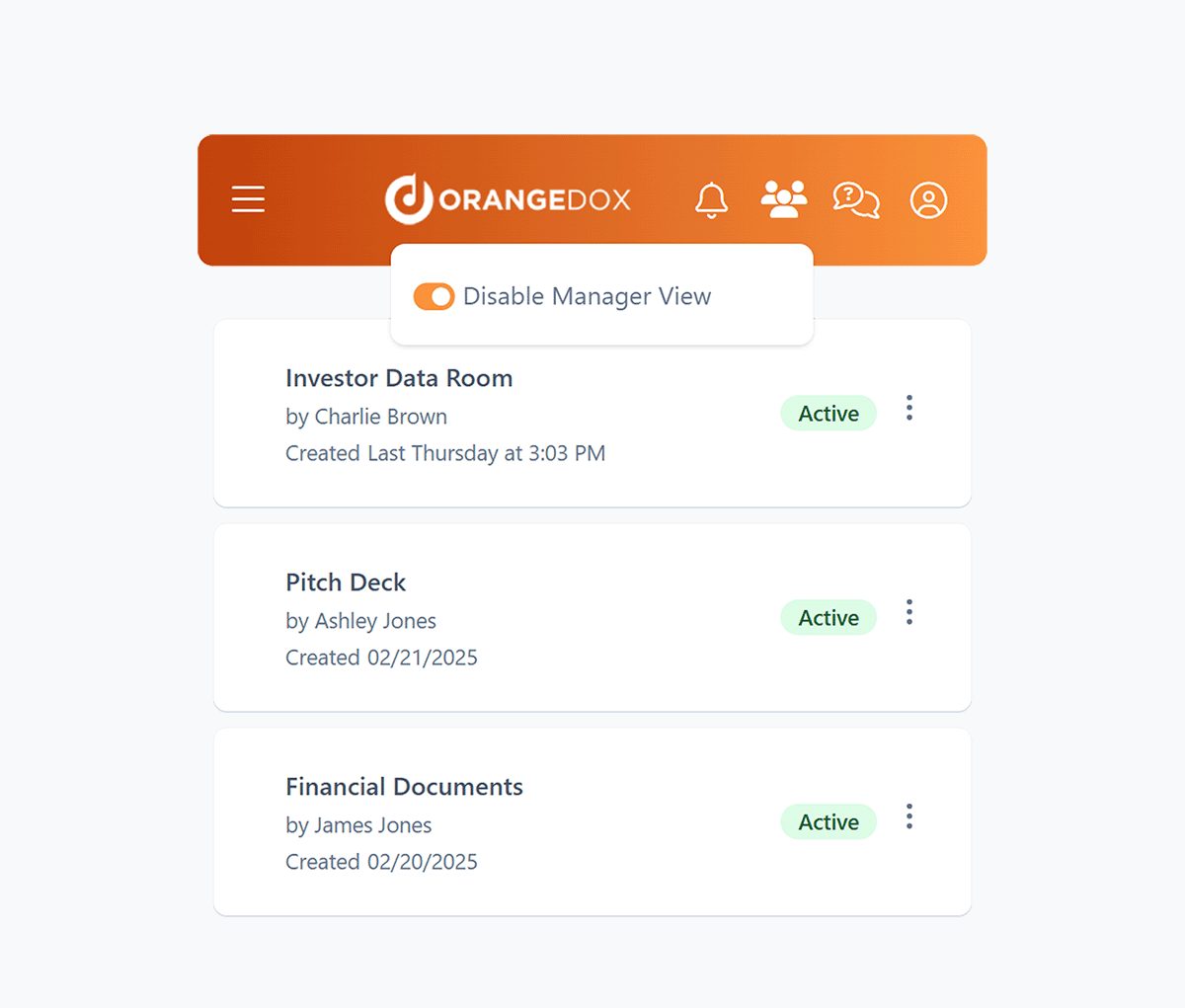
Enable managers to assign permissions, and oversee data rooms to help you stay in control even when you're away from the office.
- Add your team members to Orangedox, and manage who has access to which files or data rooms.
- Assign managers to oversee data rooms and shared files across all team members.
- Manage multiple accounts and their data rooms from a single manager dashboard.
- Ensure data rooms remain monitored even when your team members are on vacation.

We used Orangedox to host our data room for our mergers and acquisitions .. it provided easy access for our clients and reduced the number of steps needed to create and share the data rooms.
Jim Yerxa
President, Atlantic Mergers
Which platform fits your workflow?
Choose Sizle if your focus is lightweight sales or investor engagement tracking with simple presentation sharing. Choose Orangedox if you need a complete virtual data room platform with stronger security and cloud-storage integration.

Choose Orangedox when you need
- You need a complete virtual data room workflow.
- Your organization handles due diligence and secure collaboration.
- You need permissions, gating, and structured external sharing.
- You want analytics tied to complex stakeholder engagement across many files.
- Your files already live in Drive or Dropbox.
- You need scalable collaboration across multiple rooms and projects.
Frequently asked questions
Your questions answered.
How to cite this page
Orangedox. (2026). "Sizle vs Orangedox." Orangedox. https://www.orangedox.com/vs/sizle-vs-orangedox (accessed 2026-10-19).
Ready to create your data room?