
ShareVault vs Orangedox
ShareVault is a virtual data room with custom pricing that varies by data usage and project duration rather than a published flat rate. Orangedox syncs your Google Drive folders automatically, with NDA gating, dynamic watermarking, and unlimited storage on a single flat rate $195/month plan.









Customers
Hear what our customers have to say.


TL;DR ShareVault vs Orangedox, in one paragraph
ShareVault advertises a starting price as low as $200/month, but that rate requires a 12-month contract with additional volume-based discounts ShareVault doesn't detail publicly, and you still need a custom quote to get an actual number. Orangedox offers Drive-synced virtual data rooms on a flat $195/month plan with no annual commitment required. Orangedox includes NDA gating, dynamic watermarking, analytics, and no separate storage fees, giving teams comparable governance with clearer, more predictable pricing.
- ShareVault's advertised '$200/month' starting price requires a 12-month contract plus undisclosed volume discounts, with final pricing only available via custom quote.
- Orangedox offers a flat $195/month plan with no annual commitment and no per-room fees.
- Orangedox includes NDA gating, watermarking, analytics, and no separate storage fees, comparable governance with far more pricing transparency.
Ask an AI about this
One click opens your preferred AI with a pre-loaded prompt referencing this page - so the answer cites Orangedox accurately.




Comparison
Orangedox vs ShareVault
Compare Orangedox to ShareVault based on core features and pricing
 | | |
|---|---|---|
Pricing Save up to 35% | $195 per month | $200* per month |
Admins | 5 | 5 |
Unlimited Data Rooms | ||
Google Drive Integration Always Synced with Google Drive | - | |
Custom Branding Professionally Branded Data Rooms | ||
Page-by-Page Analytics Document Tracking | ||
Support for Google Docs Doc, Sheets, Slides | - | |
Device-Level Security Secure access links | - | |
NDA Gating Gated data rooms and shared files | ||
Dynamic Watermark Recipient Email Watermarks |
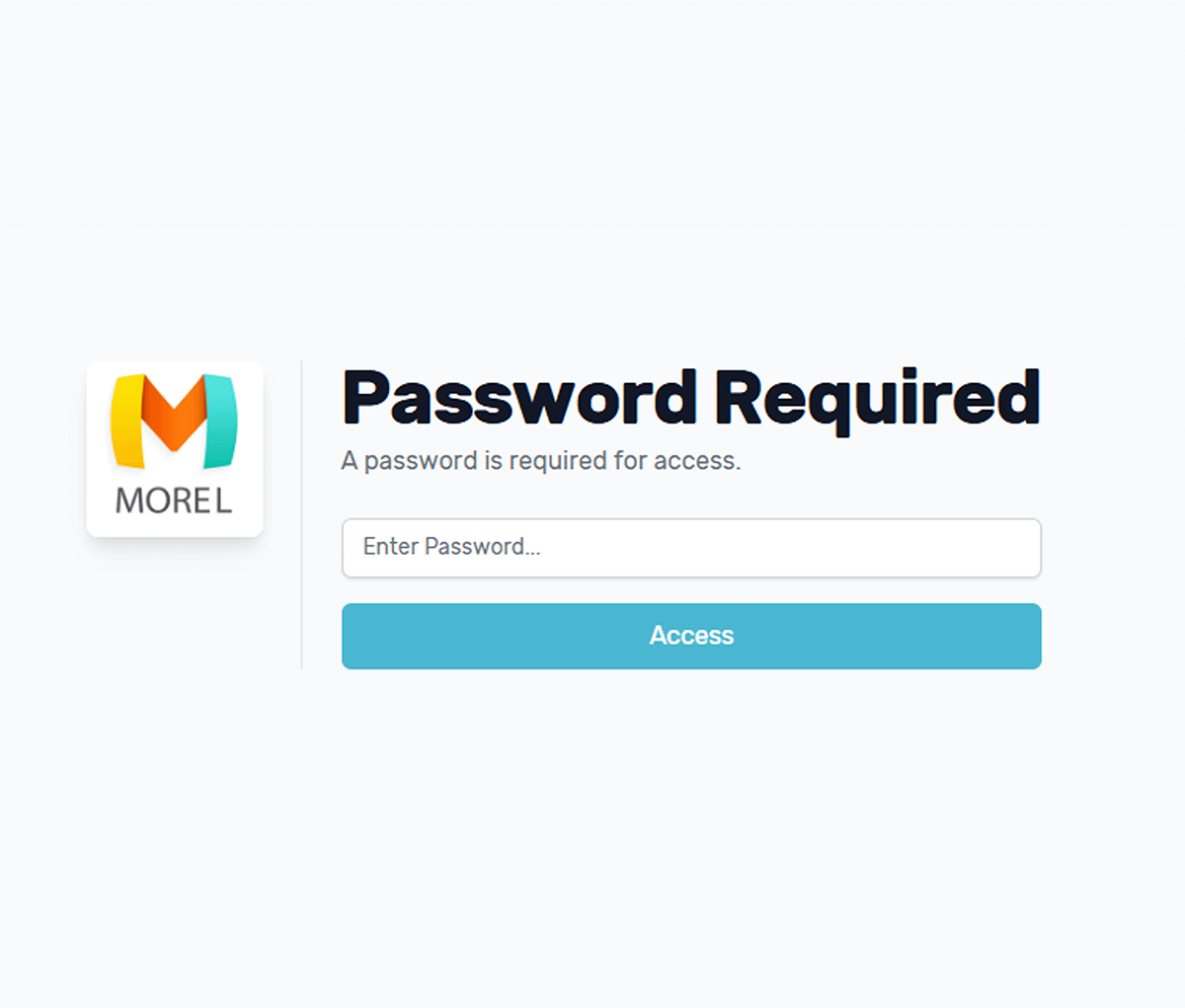
Password Protection
Secure Files and Folders with Passwords
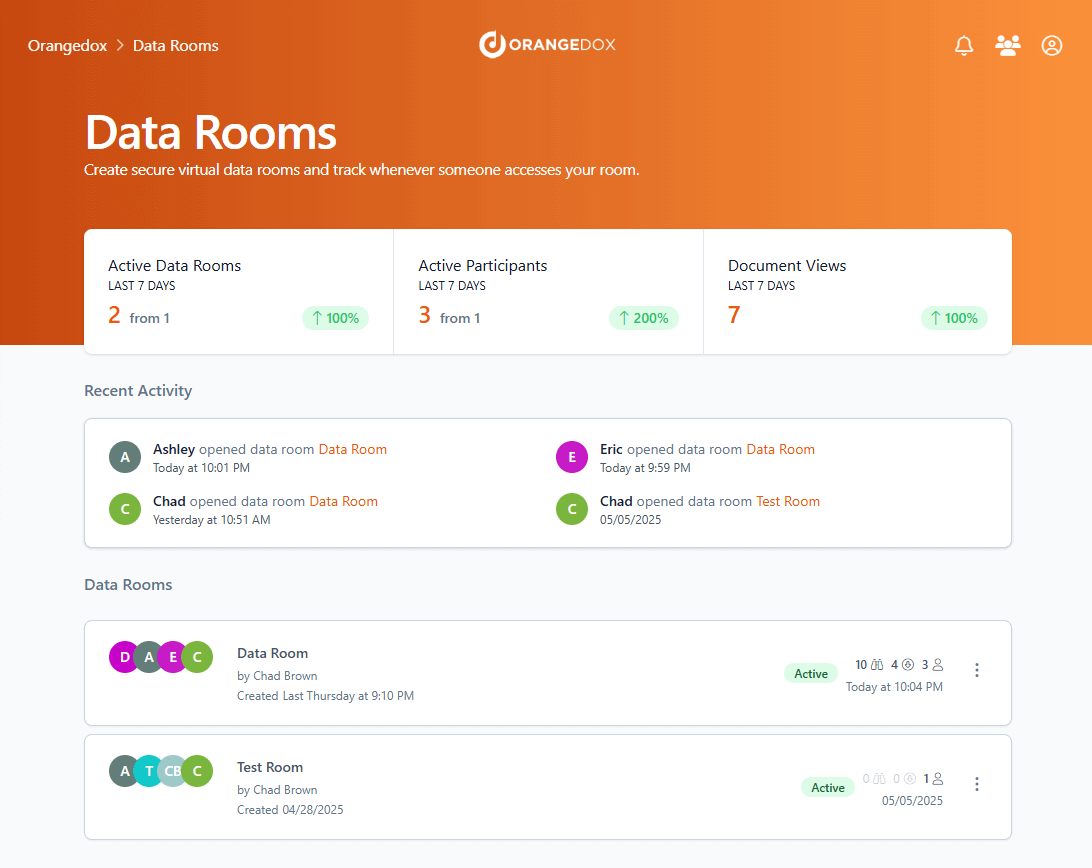
Add an extra layer of security to your Google Drive / Dropbox content by requiring a password before access.
- Add password protection to any file, share knowing only those with the password can view or download.
- Protect entire folders in Google Drive or Dropbox with a password.
- Combine passwords with device verification and download controls for stronger protection.
Disable Downloading
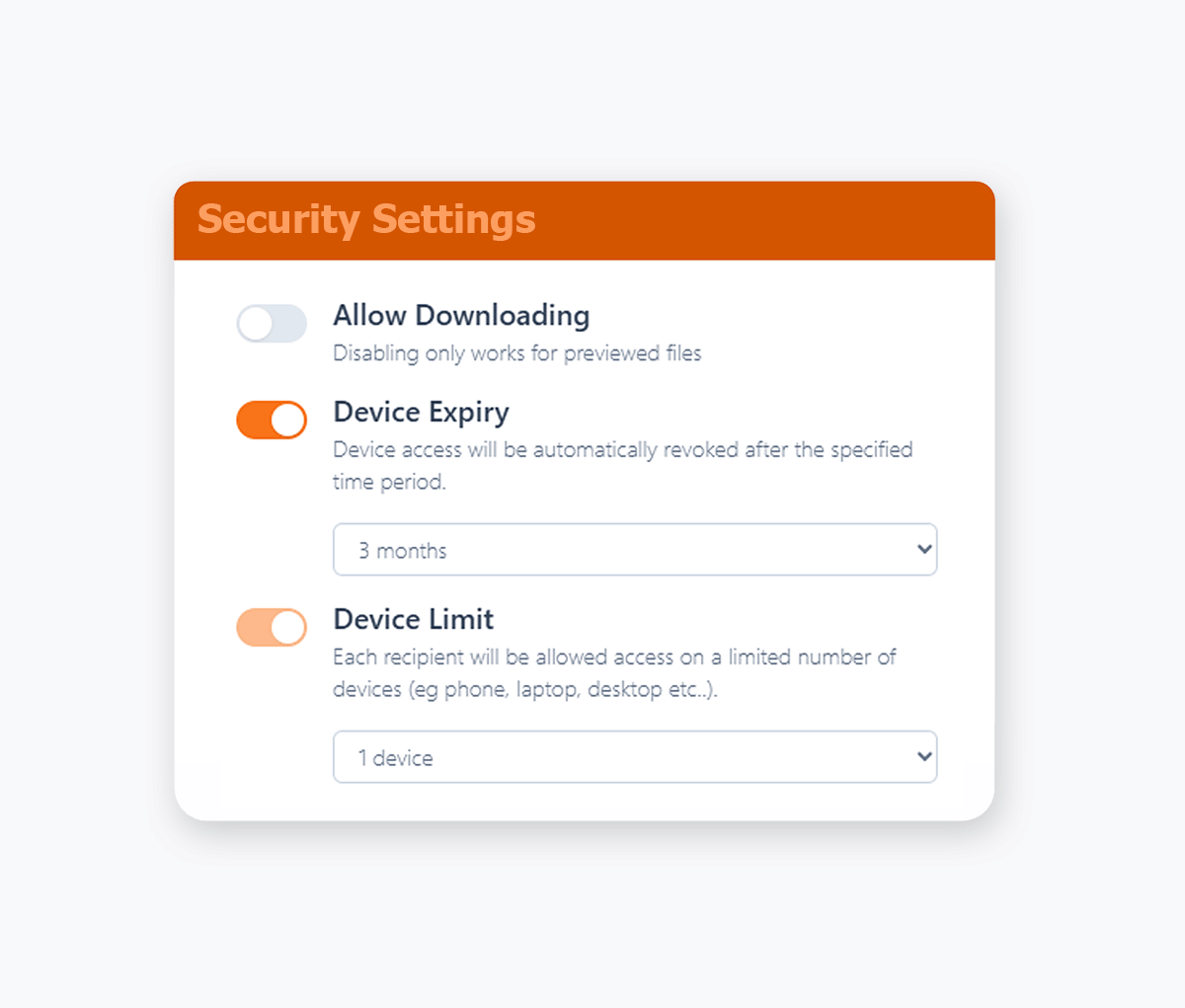
View-Only Access for Confidential Documents
Take complete control over your sensitive documents by only allowing for online viewing.
- Reduce your security footprint by preventing recipients from downloading, saving, or sharing your confidential documents.
- Protect confidential documents by only allowing them to be viewed online, with a variety of file formats supported.
- View only access maintains document security while still enabling collaboration.
- Apply download restrictions across PDFs, Office files, Google Workspace files, videos, images, audio, and more where secure preview is supported.
- Prevent recipients from saving copies locally to reduce redistribution and leak risk.
Dynamic Watermarking
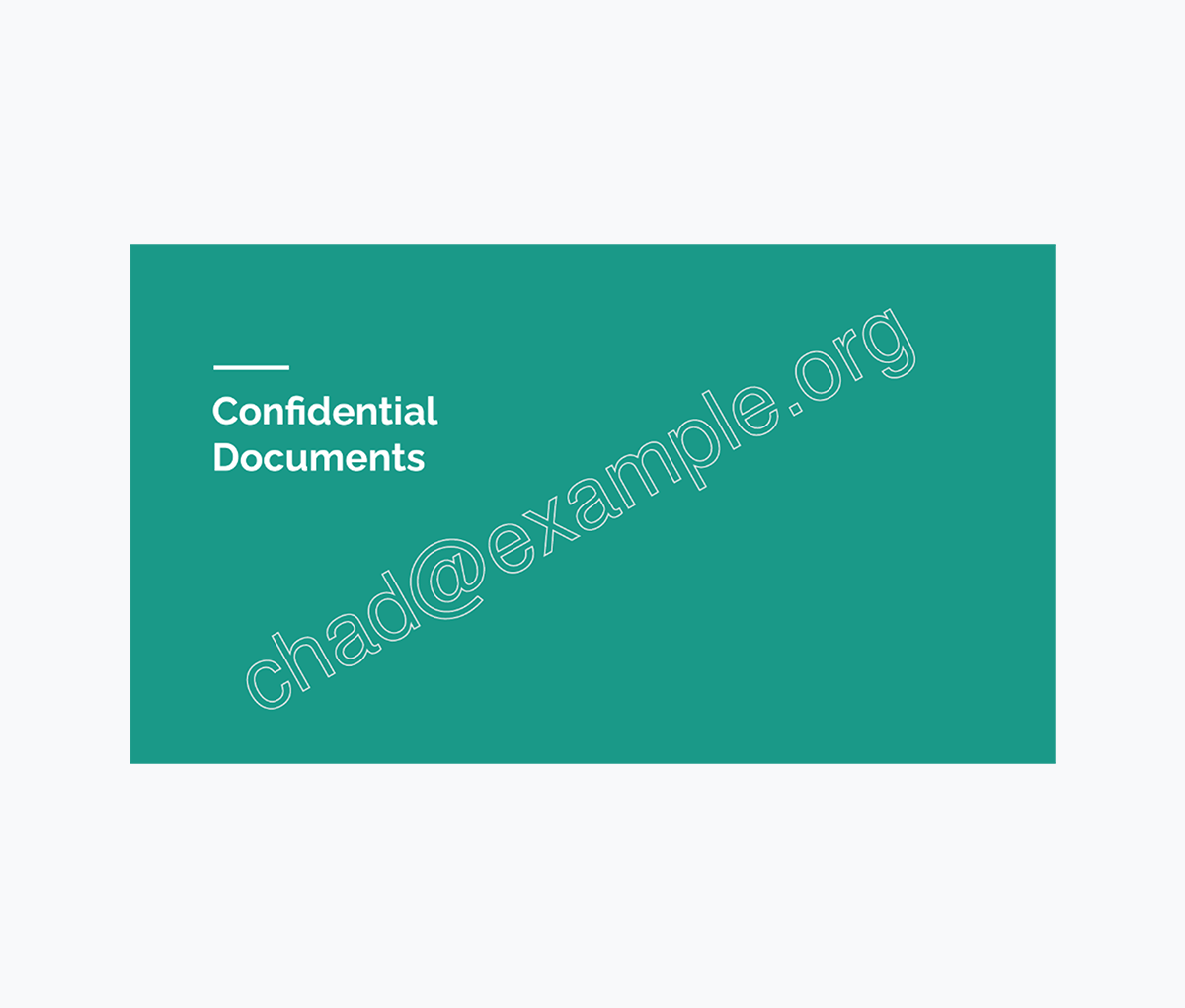
Recipient Email Watermarking
Dynamically applied watermarks with each recipient's unique email address.
- Ensure confidential documents are shared with accountability.
- Dynamically applied whenever your recipients view or download your documents.
- Know exactly who has shared your document with email recipient watermarking.
Team Management
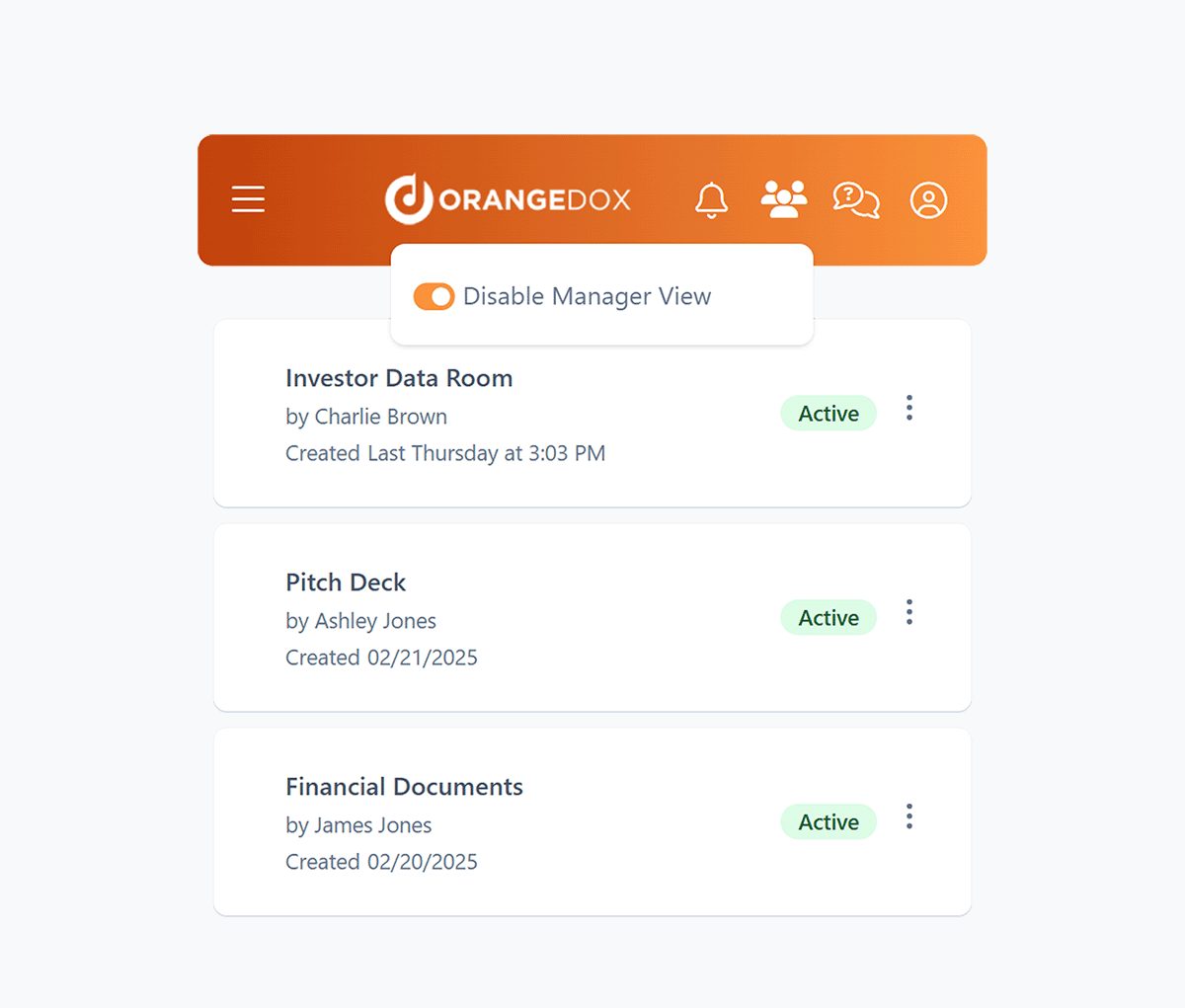
Add your Entire Team
Enable managers to assign permissions, and oversee data rooms to help you stay in control even when you're away from the office.
- Add your team members to Orangedox, and manage who has access to which files or data rooms.
- Assign managers to oversee data rooms and shared files across all team members.
- Manage multiple accounts and their data rooms from a single manager dashboard.
- Ensure data rooms remain monitored even when your team members are on vacation.
Branding
Custom Document Branding
Customize your virtual data rooms & shared documents with your logo & colour scheme.
- Replace generic Google Drive and Dropbox share links with professional branded documents.
- Apply consistent corporate branding to build client confidence and trust.
- Maintain credibility when sharing confidential documents, proposals, and contracts.
- Enforce brand guidelines automatically to maintain professional standards and corporate identity.
- Customize color schemes for headers and fonts to match your corporate brand guidelines and visual identity.

We used Orangedox to host our data room for our mergers and acquisitions .. it provided easy access for our clients and reduced the number of steps needed to create and share the data rooms.
Jim Yerxa
President, Atlantic Mergers
Which platform fits your workflow?
ShareVault emphasizes governance and traditional secure document management. Orangedox emphasizes visibility, usability, and frictionless external collaboration.

Choose Orangedox when you need
- You want faster collaboration with buyers, investors, or clients.
- You need advanced analytics on document engagement.
- Your team already works inside Google Drive or Dropbox.
- Ease of onboarding for external stakeholders is critical.
- You want secure sharing without legacy VDR complexity.
- Your organization values speed and usability over process overhead.
Frequently asked questions
Your questions answered.
How to cite this page
Orangedox. (2026). "Sharevault vs Orangedox." Orangedox. https://www.orangedox.com/vs/sharevault-vs-orangedox (accessed 2026-10-19).
Ready to create your data room?