

Fordata vs Orangedox
Fordata is a European VDR provider built for secure document sharing and controlled access across M&A and due-diligence workflows. Orangedox gives growing teams Google Drive-synced data rooms with unlimited storage, document tracking, and flat-rate pricing. Run your deals on Orangedox.










Customers
Hear what our customers have to say.


TL;DR Fordata vs Orangedox, in one paragraph
Fordata is a European VDR whose self-service Lite plan costs about $316/month, with Business and Enterprise tiers requiring a custom quote. Orangedox gives growing teams Google and Dropbox synced data rooms with unlimited storage and tracking for $195 per month, making it about 40% cheaper. Orangedox is optimized for speed and instant setup, while Fordata's Lite tier is capped at 1GB and 15 users before requiring a bigger, custom-quoted plan.
- Fordata's self-service Lite plan costs about $316/month for 1GB and 15 users; Business and Enterprise tiers are custom-quoted.
- Orangedox gives growing teams Google and Dropbox synced data rooms with unlimited storage and tracking for $195/month, about 40% cheaper.
- Orangedox offers instant setup, while Fordata's Lite tier caps out at 1GB and 15 users before requiring a custom-quoted upgrade.
Ask an AI about this
One click opens your preferred AI with a pre-loaded prompt referencing this page - so the answer cites Orangedox accurately.




Comparison
Orangedox vs Fordata
Compare Orangedox to Fordata based on core features and pricing
 | | |
|---|---|---|
Pricing Save up to 40% | $195 per month | $316 per month |
Admins | 5 | 15 |
Unlimited Data Rooms | ||
Unlimited Storage | 1GB Limited | |
Google Drive Integration Always Synced with Google Drive | - | |
Page-by-Page Analytics Document Tracking | ||
Supports Google Docs Doc, Sheets, Slides | - | |
Device-Level Security Secure access links | - | |
NDA Gating Gated data rooms and shared files |
Seamless Integration
Integrates with Google Drive and Dropbox
No uploading required and any changes are automatically synced.
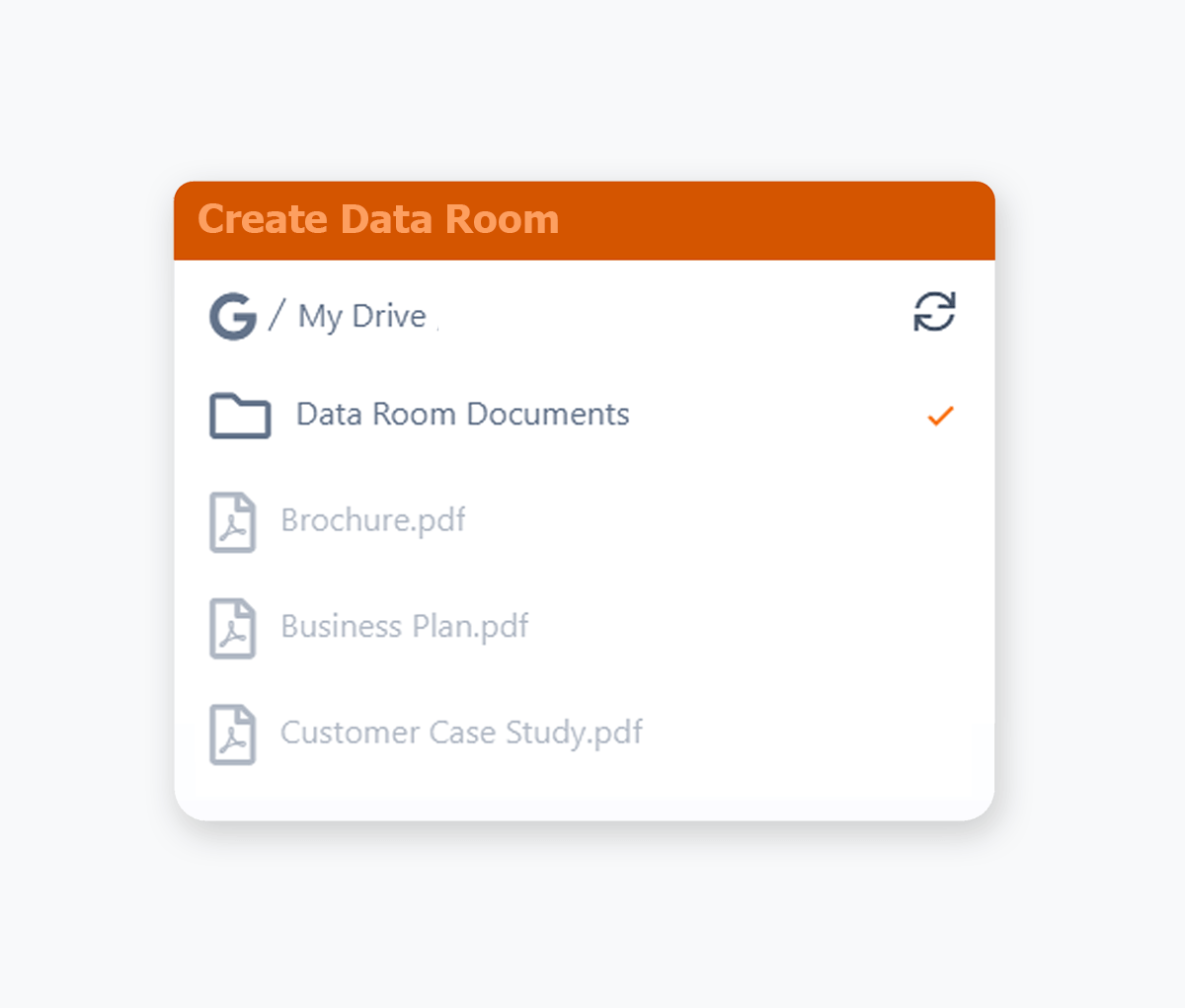
- Use your existing Google Drive, easily create a data room from Google Drive.
- Use your existing Dropbox, easily create a data room from Dropbox.
Google Docs, Sheets & Slides
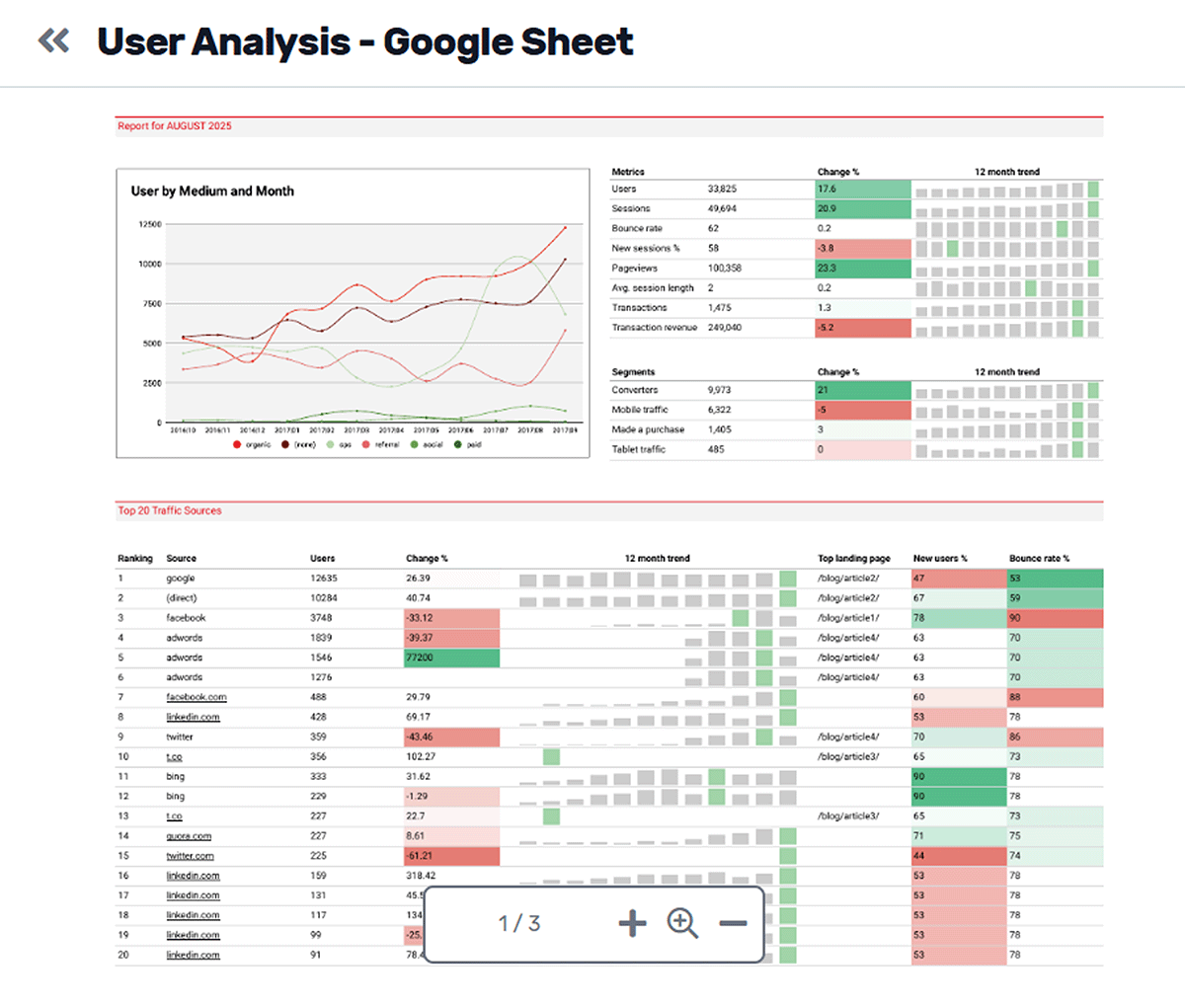
Securely Share Live Google files
Preview, track, and securely share Google Docs, Sheets, and Slides directly from Google Workspace, while keeping everything automatically in sync.
- Add Google Docs, Sheets, and Slides to your data room and keep every change synced in real time.
- Securely share live Google files while preventing forwarding and downloading when needed.
- Track who views your Google documents in real time.
- Preview Google Sheets, Slides and Docs, directly in your Data Room.
Access Requests
Data Room Access Requests
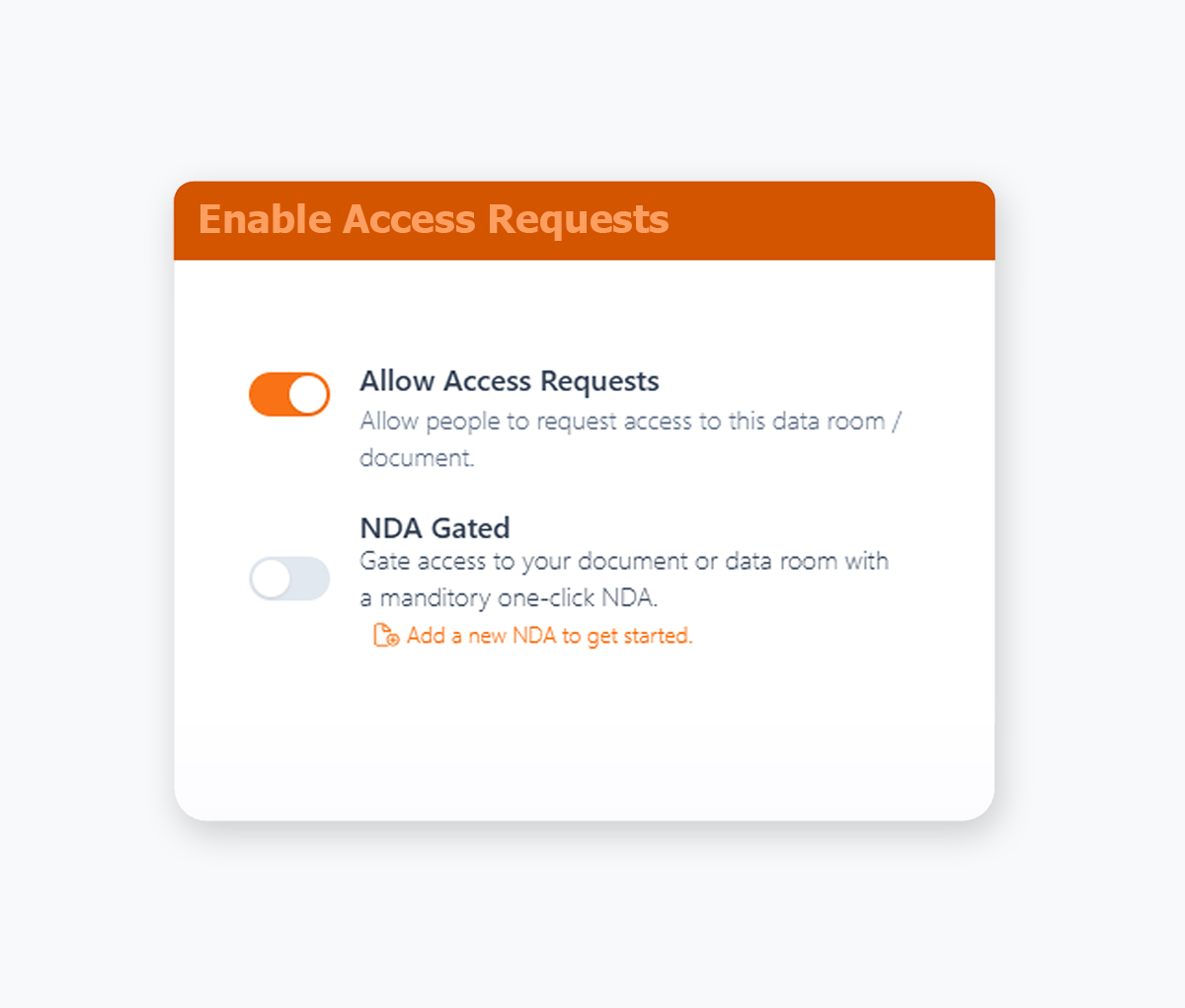
Share one secure link and let participants request access. Approve or deny in one-click.
- Send a single link to multiple participants
- Streamline invitations without adding every email.
- Generate a request link directly from your data room, no configuration needed.
- Receive instant email alerts for each access request and approve or deny in one click.
Bulk Downloading
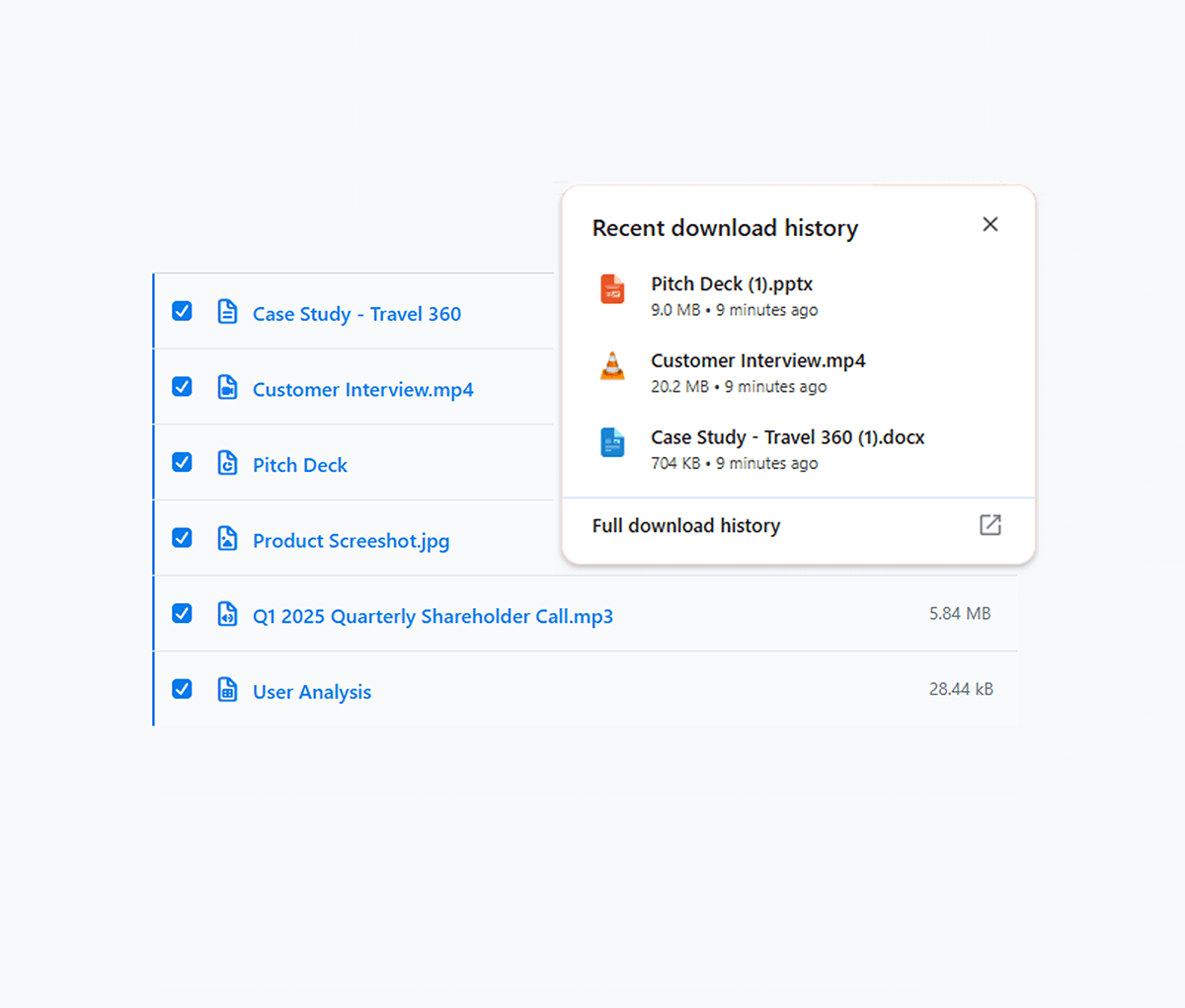
Download Multiple Documents at Once
Allow your recipients to download multiple files at once from your data room.
- Allow recipients to select multiple files for downloading.
- Track viewing time, page interactions and user engagement.
- Save time for investors, legal teams, and clients who need local copies of many documents.
- Respect your existing download permissions, so bulk download is only available when needed.
Team Management
Add your Entire Team
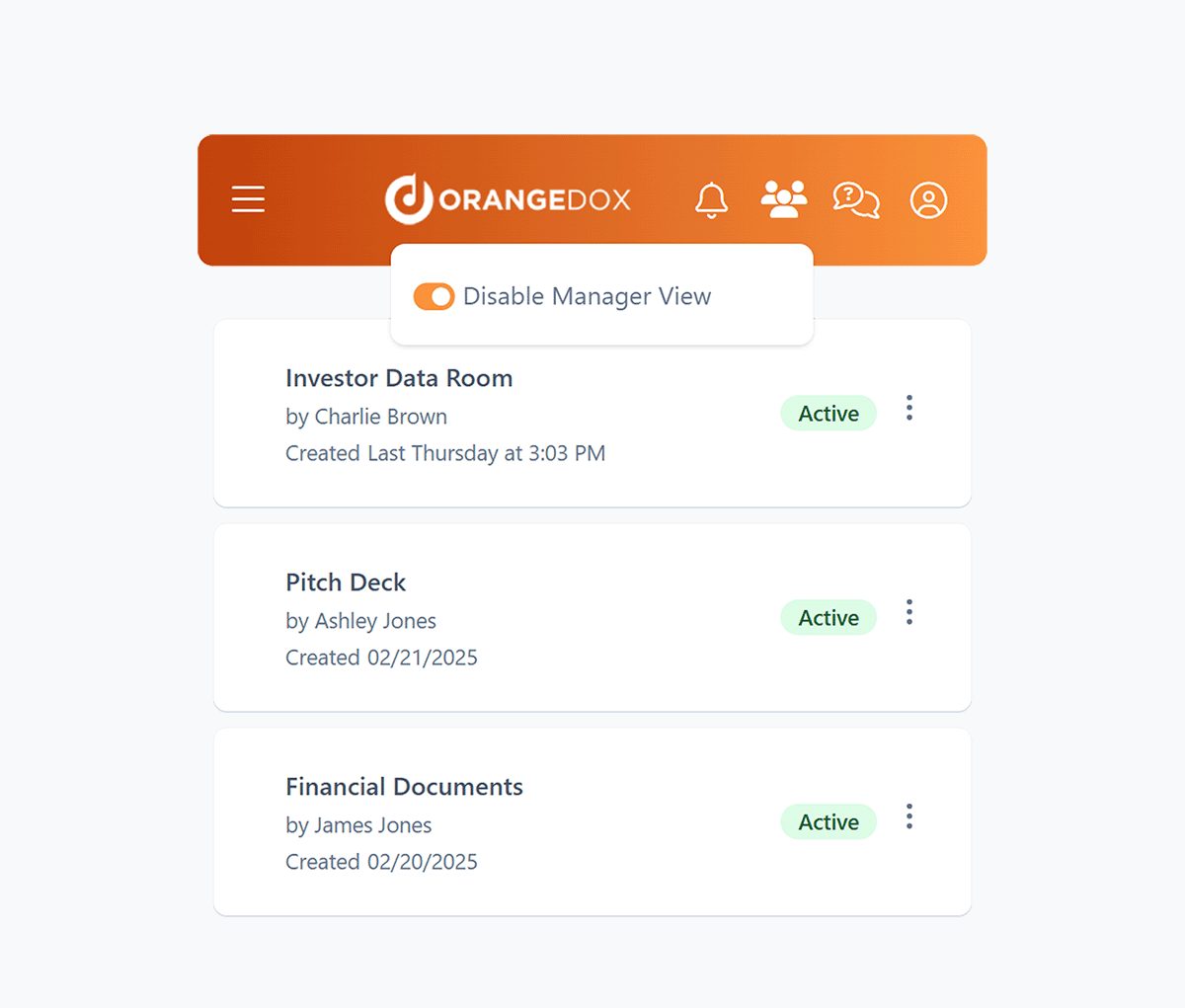
Enable managers to assign permissions, and oversee data rooms to help you stay in control even when you're away from the office.
- Add your team members to Orangedox, and manage who has access to which files or data rooms.
- Assign managers to oversee data rooms and shared files across all team members.
- Manage multiple accounts and their data rooms from a single manager dashboard.
- Ensure data rooms remain monitored even when your team members are on vacation.

We used Orangedox to host our data room for our mergers and acquisitions .. it provided easy access for our clients and reduced the number of steps needed to create and share the data rooms.
Jim Yerxa
President, Atlantic Mergers
Which platform fits your workflow?
Fordata aligns with traditional enterprise diligence management. Orangedox aligns with modern, cloud native collaboration and execution speed.

Choose Orangedox when you need
- Your team wants faster onboarding and collaboration.
- Your files already live in Google Drive or Dropbox.
- You need advanced analytics tied to stakeholder behavior.
- You value operational simplicity over enterprise structure.
- Your organization wants scalable external sharing.
- You need strong usability for founders, advisors, and external stakeholders.
Frequently asked questions
Your questions answered.
How to cite this page
Orangedox. (2026). "Fordata vs Orangedox." Orangedox. https://www.orangedox.com/vs/fordata-vs-orangedox (accessed 2026-10-19).
Ready to create your data room?