
Caplinked vs Orangedox
CapLinked starts at $399/month and charges per workspace and per user, while Orangedox offers unlimited Google Drive synced data rooms with document tracking and NDA gating on a flat rate plan at $95/month, with no per user or per deal fees.










Customers
Hear what our customers have to say.


TL;DR CapLinked vs Orangedox, in one paragraph
CapLinked starts around $399 per month and adds per-user fees, while Orangedox is $95 per month with unlimited data rooms and storage and no per-user or per-deal fees. Orangedox also includes built-in Google Drive sync and NDA gating, whereas CapLinked relies more on manual uploads and offers more limited analytics, making Orangedox the more cost-effective cloud-native alternative.
- CapLinked starts around $399 per month and adds per-user fees.
- Orangedox is $95 per month with unlimited data rooms and storage and no per-user or per-deal fees.
- Orangedox includes built-in Google Drive sync and NDA gating, with more cost-effective cloud-native workflow.
Ask an AI about this
One click opens your preferred AI with a pre-loaded prompt referencing this page - so the answer cites Orangedox accurately.




Comparison
Orangedox vs Caplinked
Compare Orangedox to Caplinked based on core features and pricing
 | | |
|---|---|---|
Pricing Save up to 75% | $95 per month | $399 per month |
Admins | 2 | 2 |
Unlimited Data Rooms | ||
Unlimited Storage | 500MB Limited | |
Google Drive Integration Always Synced with Google Drive | - | |
Page-by-Page Analytics Document Tracking | ||
Supports Google Docs Doc, Sheets, Slides | - | |
Device-Level Security Secure access links | - | |
NDA Gating Gated data rooms and shared files |
Seamless Integration
Integrates with Google Drive and Dropbox
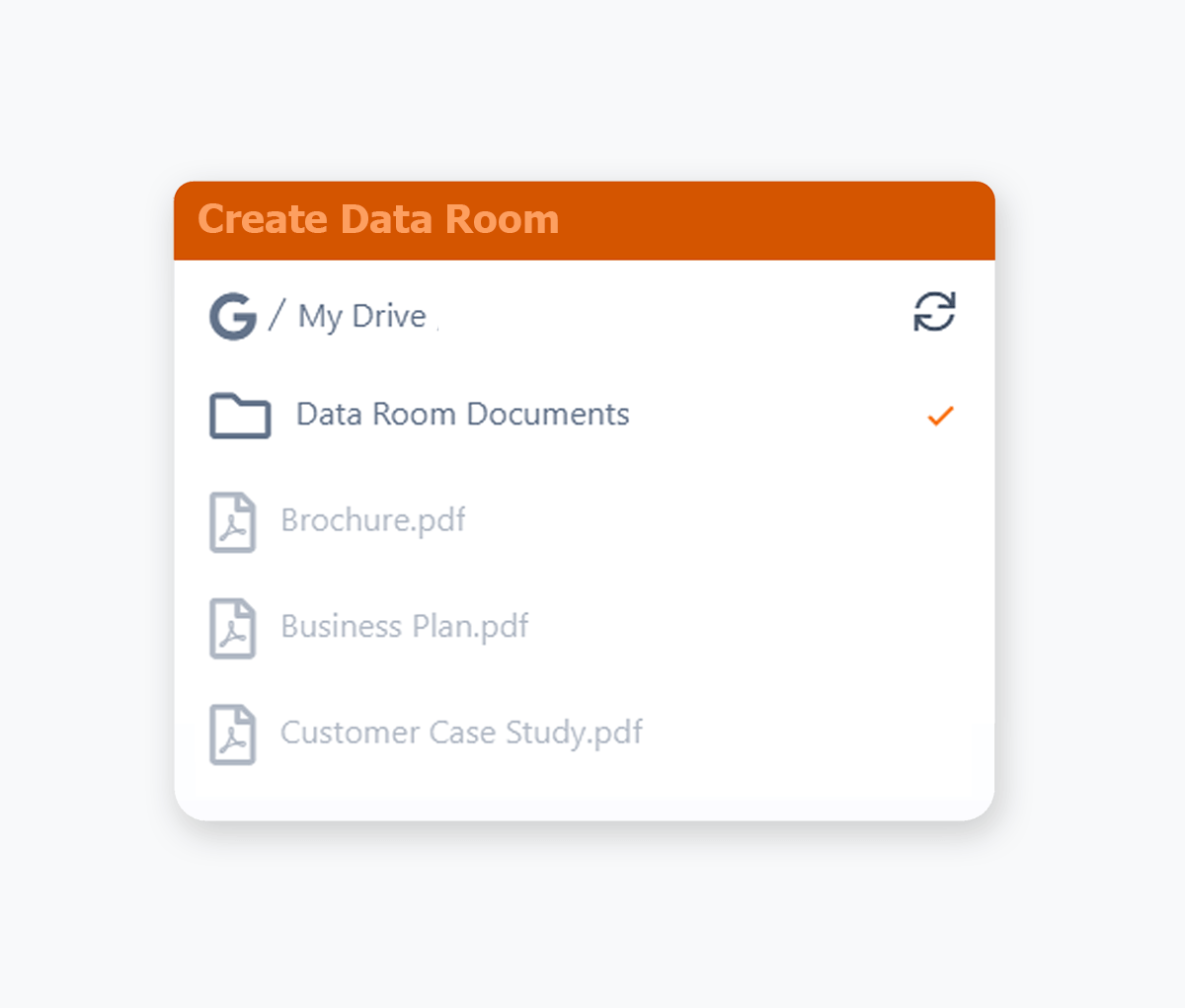
No uploading required and any changes are automatically synced.
- Use your existing Google Drive, easily create a data room from Google Drive.
- Use your existing Dropbox, easily create a data room from Dropbox.
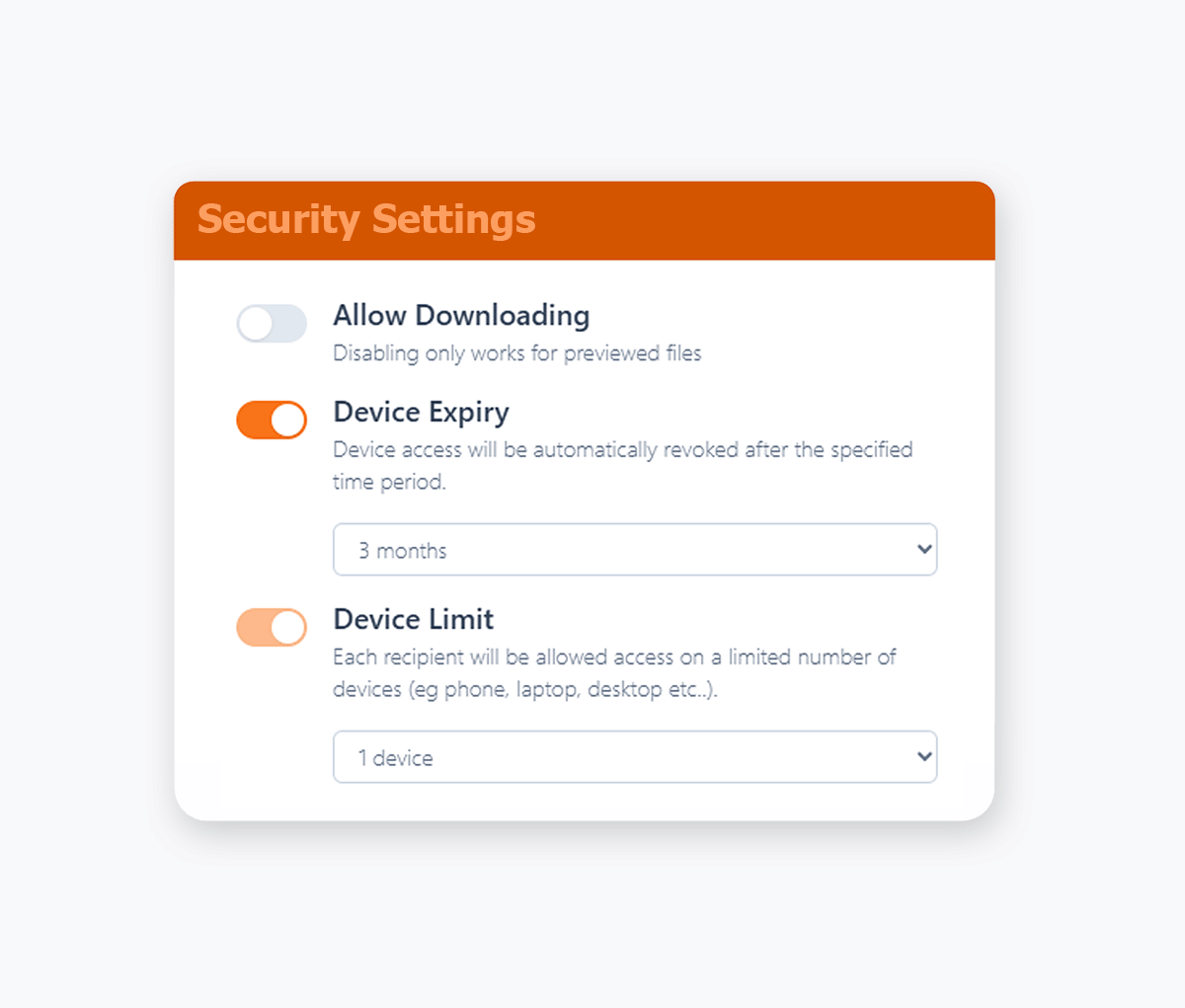
Disable Downloading
View-Only Access for Confidential Documents
Take complete control over your sensitive documents by only allowing for online viewing.
- Reduce your security footprint by preventing recipients from downloading, saving, or sharing your confidential documents.
- Protect confidential documents by only allowing them to be viewed online, with a variety of file formats supported.
- View only access maintains document security while still enabling collaboration.
- Apply download restrictions across PDFs, Office files, Google Workspace files, videos, images, audio, and more where secure preview is supported.
- Prevent recipients from saving copies locally to reduce redistribution and leak risk.
Document Tracking
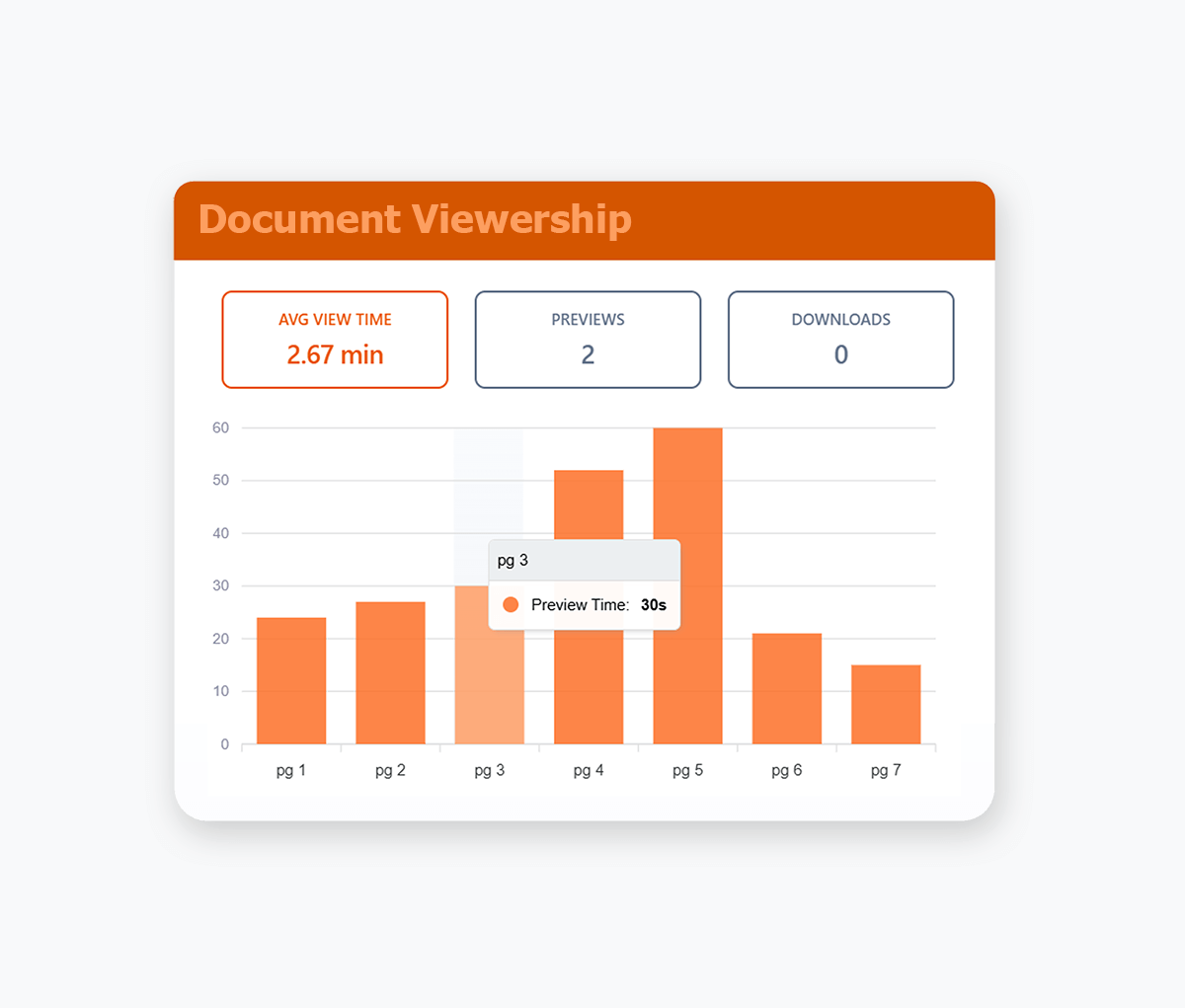
Page by Page Document Tracking
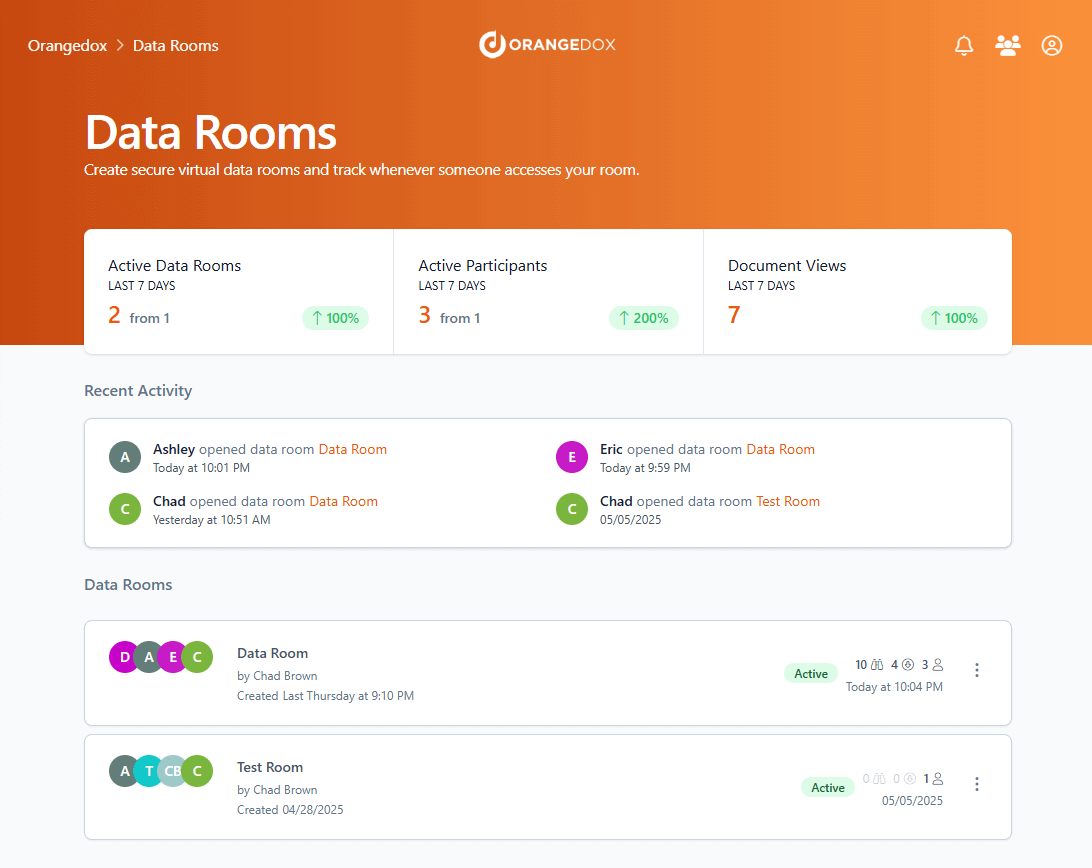
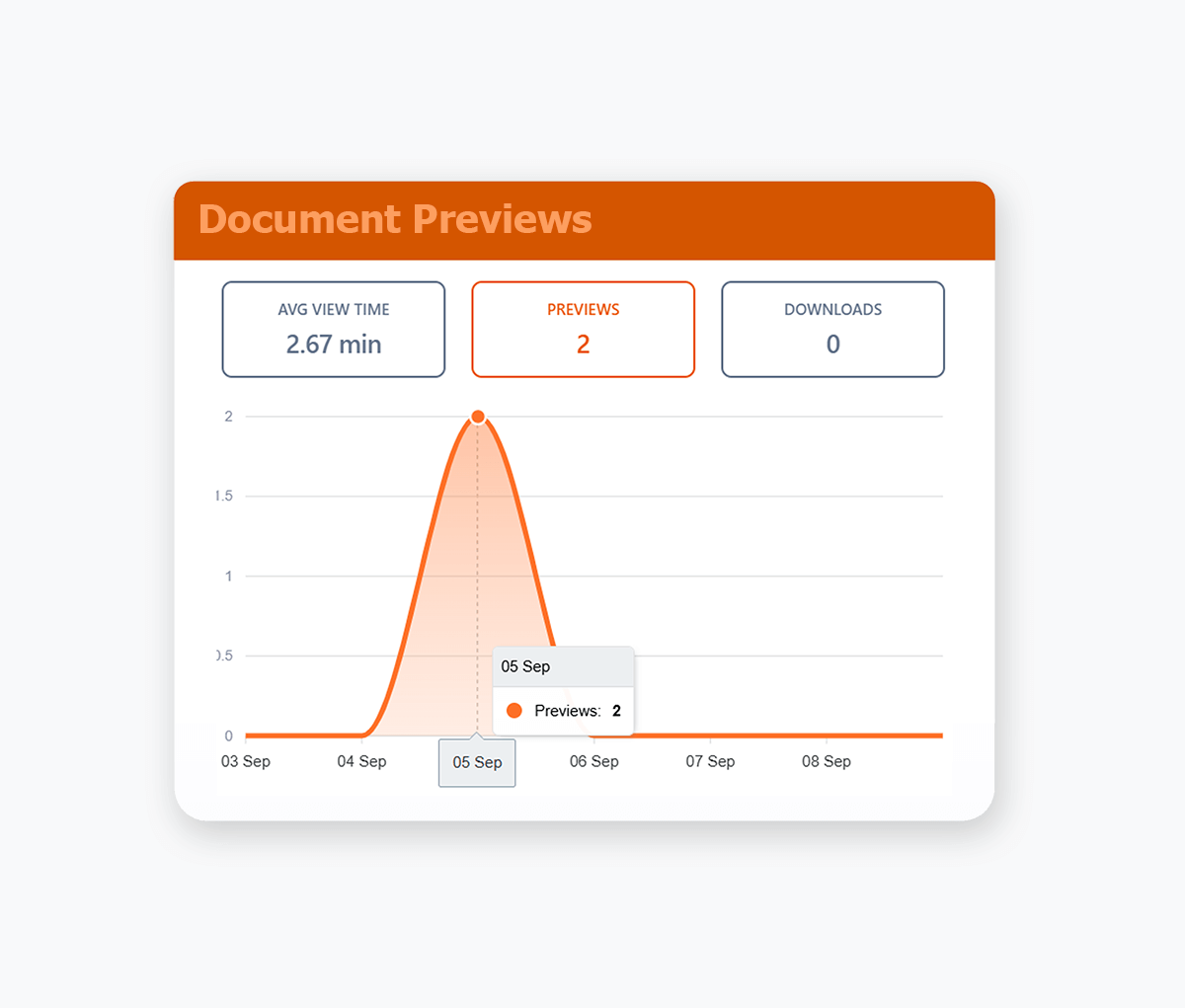
Track your documents, right down to the pages that your recipients view, including how long they stay on each page.
- See page-by-page engagement for every recipient, including which sections they've focused on'.
- Get real-time notifications when someone opens your documents so you know when to follow up.
- Track engagement across documents, videos, and audio files to see what content actually resonates.
- Identify which sections cause drop-off so you can tighten your decks and documents over time.
- Compare engagement across recipients to spot your most serious buyers or investors at a glance.
Online Document Preview
Preview Files Directly in the Browser
Preview documents, images, videos, and files in your browser. Support for Google Docs, PDFs, Office and 25+ other formats.
- Keep the experience seamless by letting viewers open everything in one secure, branded viewer.
- Combine preview with download controls so you decide which files can be saved and which stay view-only.
- Automatic synced with your Google Drive or Dropbox.
- PDF Documents, Google Docs/Sheets/Slides, MS Word & Powerpoint, Video, Images, Audio Files, Text files and more.
Branding
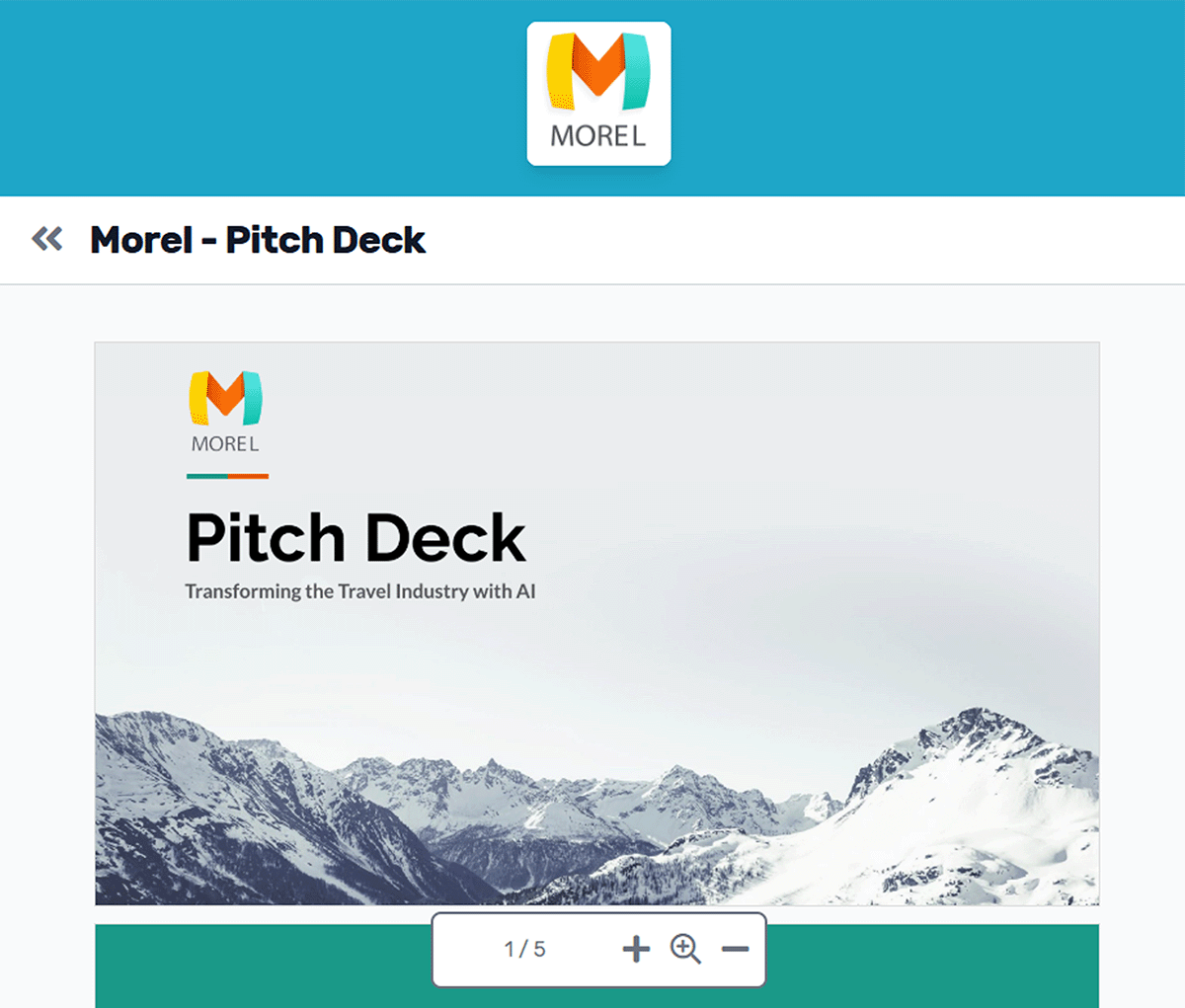
Custom Document Branding
Customize your virtual data rooms & shared documents with your logo & colour scheme.
- Replace generic Google Drive and Dropbox share links with professional branded documents.
- Apply consistent corporate branding to build client confidence and trust.
- Maintain credibility when sharing confidential documents, proposals, and contracts.
- Enforce brand guidelines automatically to maintain professional standards and corporate identity.
- Customize color schemes for headers and fonts to match your corporate brand guidelines and visual identity.

We used Orangedox to host our data room for our mergers and acquisitions .. it provided easy access for our clients and reduced the number of steps needed to create and share the data rooms.
Jim Yerxa
President, Atlantic Mergers
Which platform fits your workflow?
CapLinked follows the traditional enterprise VDR model. Orangedox focuses on simplifying secure external collaboration while improving visibility into engagement.

Choose Orangedox when you need
- You want cloud native collaboration directly from Google Drive.
- You need engagement analytics tied to buyer or investor behavior.
- Your team values speed and simplicity over admin heavy workflows.
- You want unlimited, scalable data rooms without per room complexity.
- Your workflow depends on modern external sharing and collaboration.
- You need secure collaboration without enterprise price tag.
Frequently asked questions
Your questions answered.
How to cite this page
Orangedox. (2026). "CapLinked vs Orangedox." Orangedox. https://www.orangedox.com/vs/caplinked-vs-orangedox (accessed 2026-10-19).
Ready to create your data room?