

DFIN Venue vs Orangedox
DFIN Venue is built for large, regulated transactions with enterprise level, quote based pricing, while Orangedox offers Google Drive synced data rooms with unlimited rooms, NDA gating, and flat rate pricing at $95/month with no per deal fees.
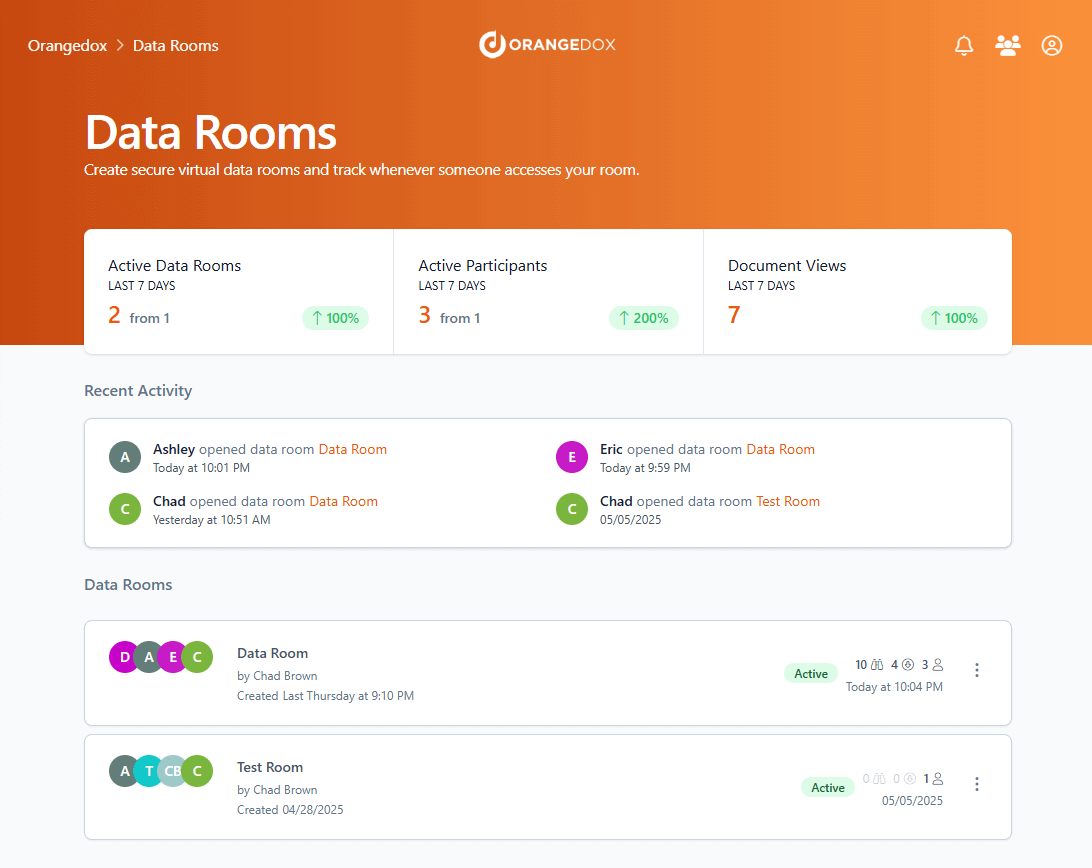










Customers
Hear what our customers have to say.


TL;DR DFIN Venue vs Orangedox, in one paragraph
DFIN Venue is an enterprise-grade virtual data room with custom pricing, while Orangedox offers the core protections deal teams need, including NDA gating, device security, analytics, and instant Drive or Dropbox setup, for $95 per month. Orangedox keeps the experience simple with unlimited data rooms and transparent pricing, making it a far less expensive option for teams that do not need the heavy compliance focus of Venue.
- DFIN Venue is an enterprise-grade virtual data room with custom pricing.
- Orangedox includes NDA gating, device security, analytics, and instant Drive or Dropbox setup for $95 per month.
- Orangedox offers unlimited data rooms and transparent pricing, making it much simpler and cheaper for agile deal teams.
Ask an AI about this
One click opens your preferred AI with a pre-loaded prompt referencing this page - so the answer cites Orangedox accurately.




Comparison
Orangedox vs DFIN Venue
Compare Orangedox to DFIN Venue based on core features
 | | |
|---|---|---|
Pricing | $95 per month | - No public pricing available |
Admins | 2 | Unlimited |
Unlimited Data Rooms | ||
Google Drive Integration Always Synced with Google Drive | - | |
Page-by-Page Analytics Document Tracking | ||
Supports Google Docs Doc, Sheets, Slides | - | |
Device-Level Security Secure access links | - | |
NDA Gating Gated data rooms and shared files |
Seamless Integration
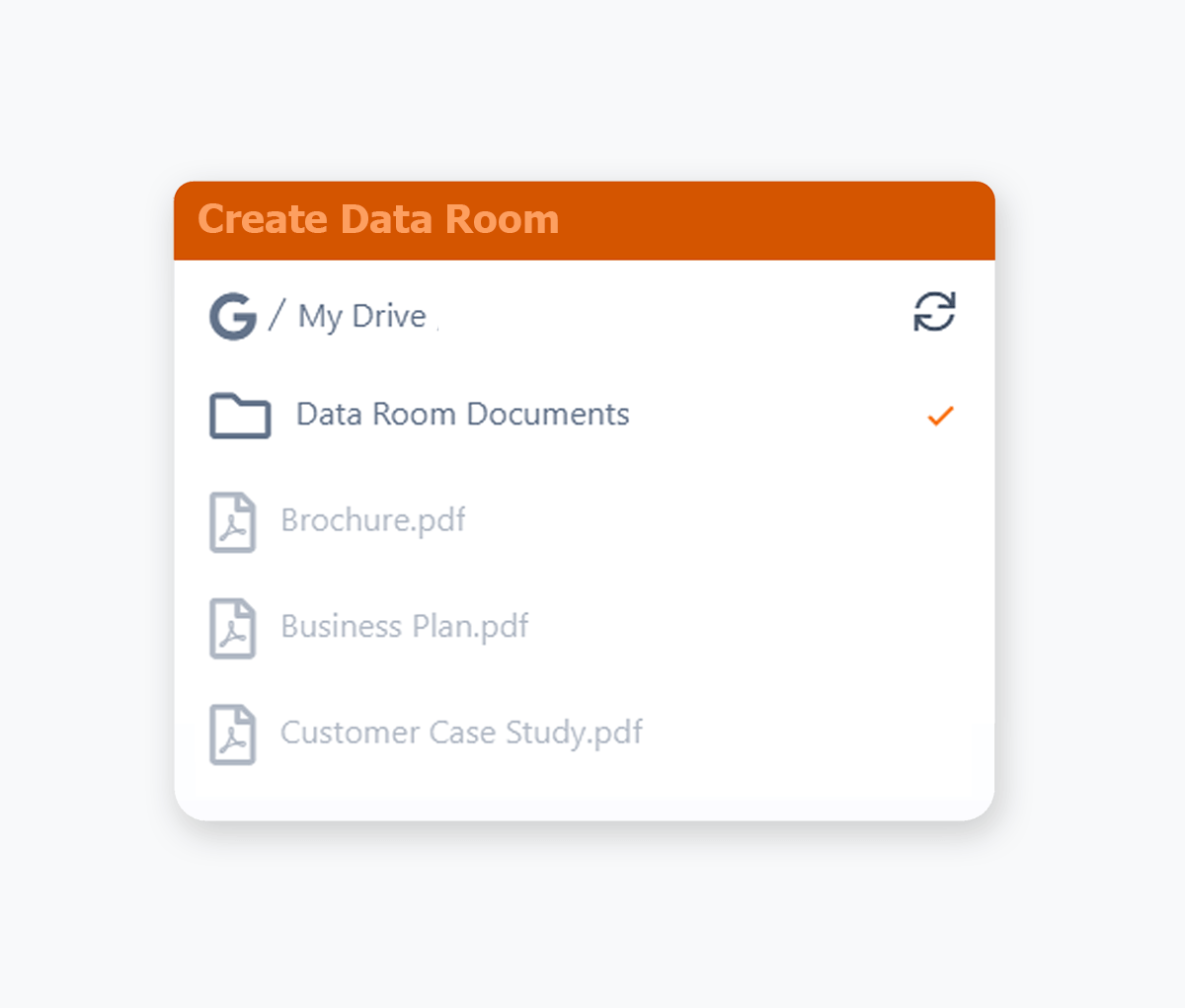
Integrates with Google Drive and Dropbox
No uploading required and any changes are automatically synced.
- Use your existing Google Drive, easily create a data room from Google Drive.
- Use your existing Dropbox, easily create a data room from Dropbox.
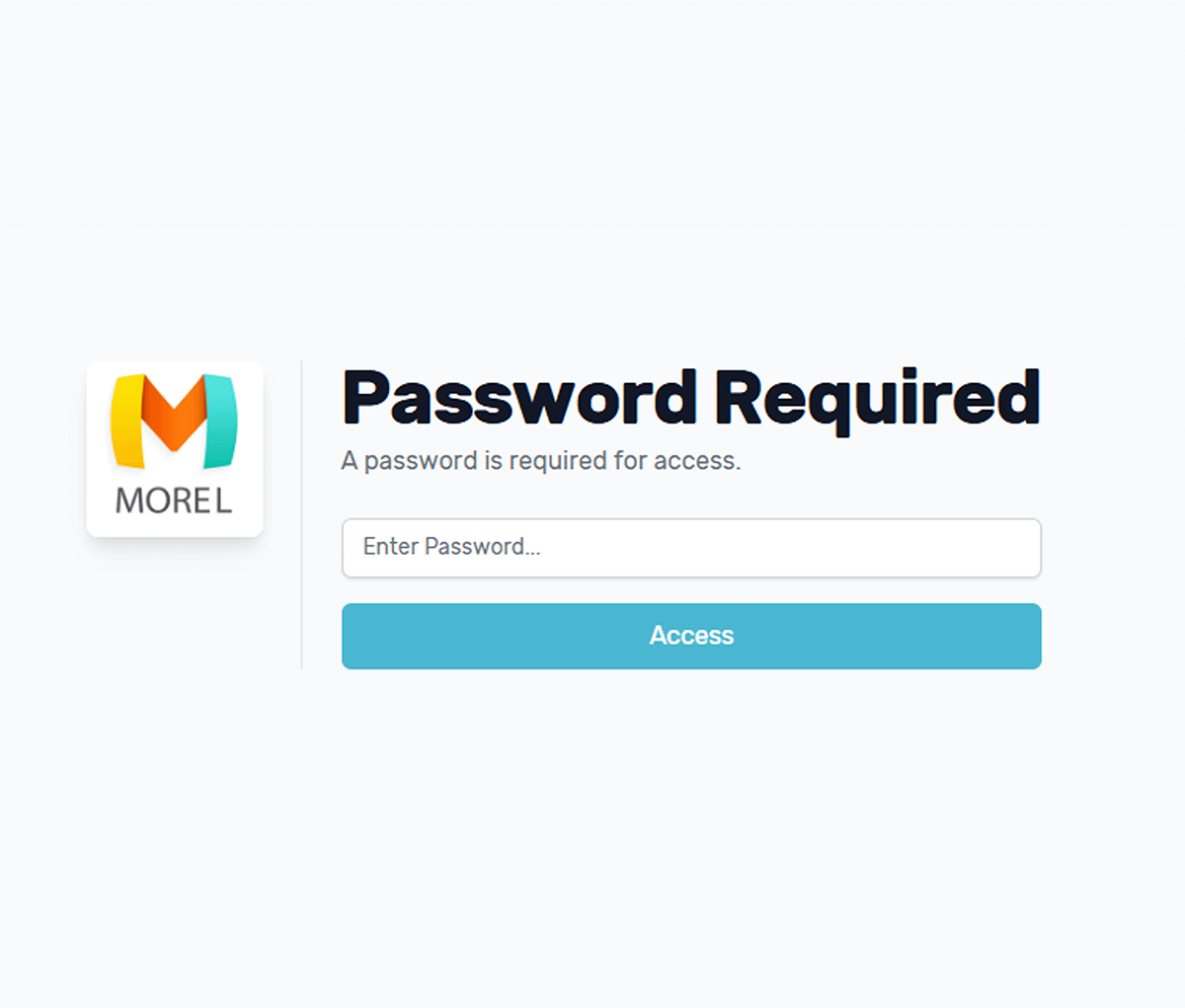
Password Protection
Secure Files and Folders with Passwords
Add an extra layer of security to your Google Drive / Dropbox content by requiring a password before access.
- Add password protection to any file, share knowing only those with the password can view or download.
- Protect entire folders in Google Drive or Dropbox with a password.
- Combine passwords with device verification and download controls for stronger protection.
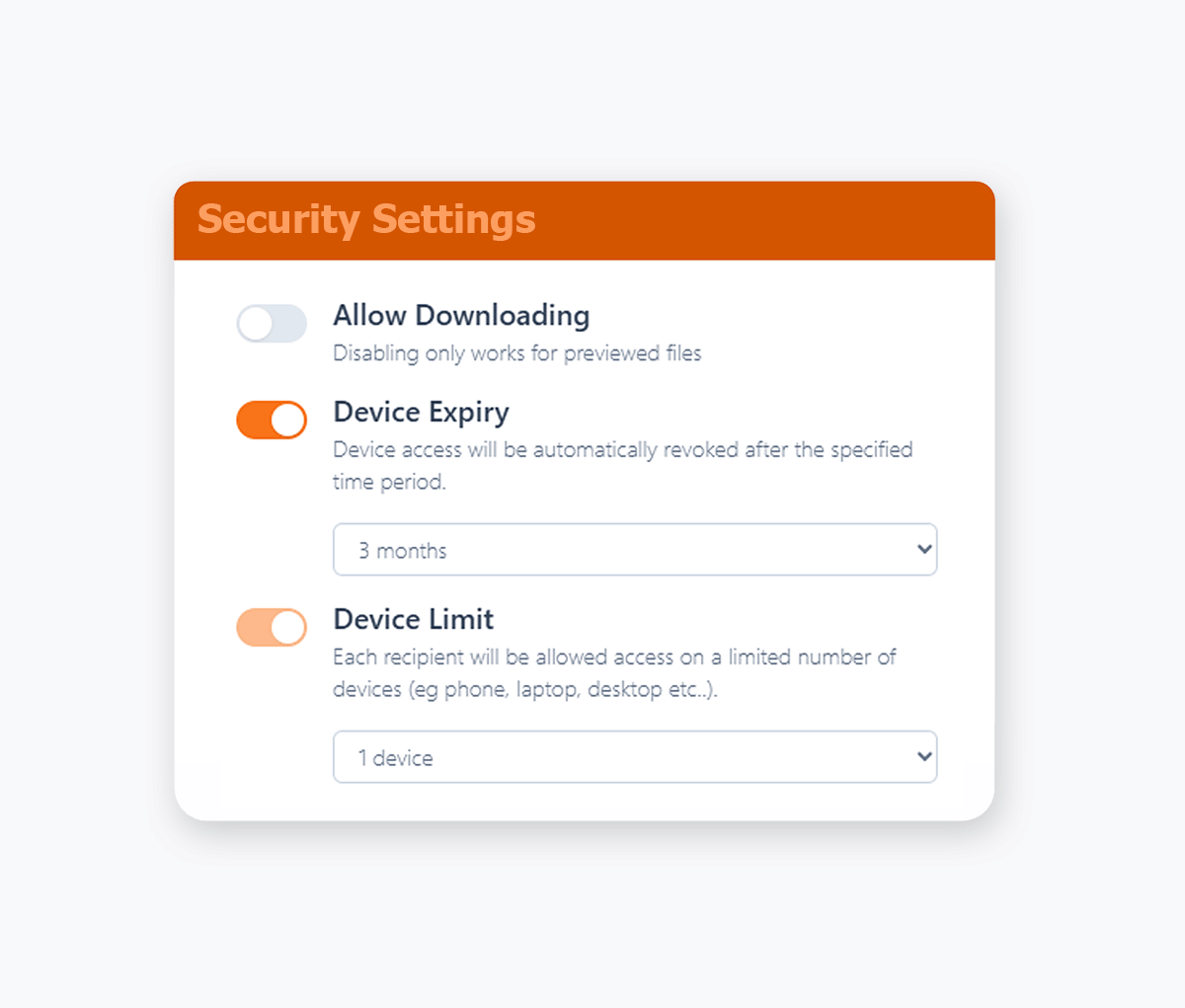
Disable Downloading
View-Only Access for Confidential Documents
Take complete control over your sensitive documents by only allowing for online viewing.
- Reduce your security footprint by preventing recipients from downloading, saving, or sharing your confidential documents.
- Protect confidential documents by only allowing them to be viewed online, with a variety of file formats supported.
- View only access maintains document security while still enabling collaboration.
- Apply download restrictions across PDFs, Office files, Google Workspace files, videos, images, audio, and more where secure preview is supported.
- Prevent recipients from saving copies locally to reduce redistribution and leak risk.
Online Document Preview
Preview Files Directly in the Browser
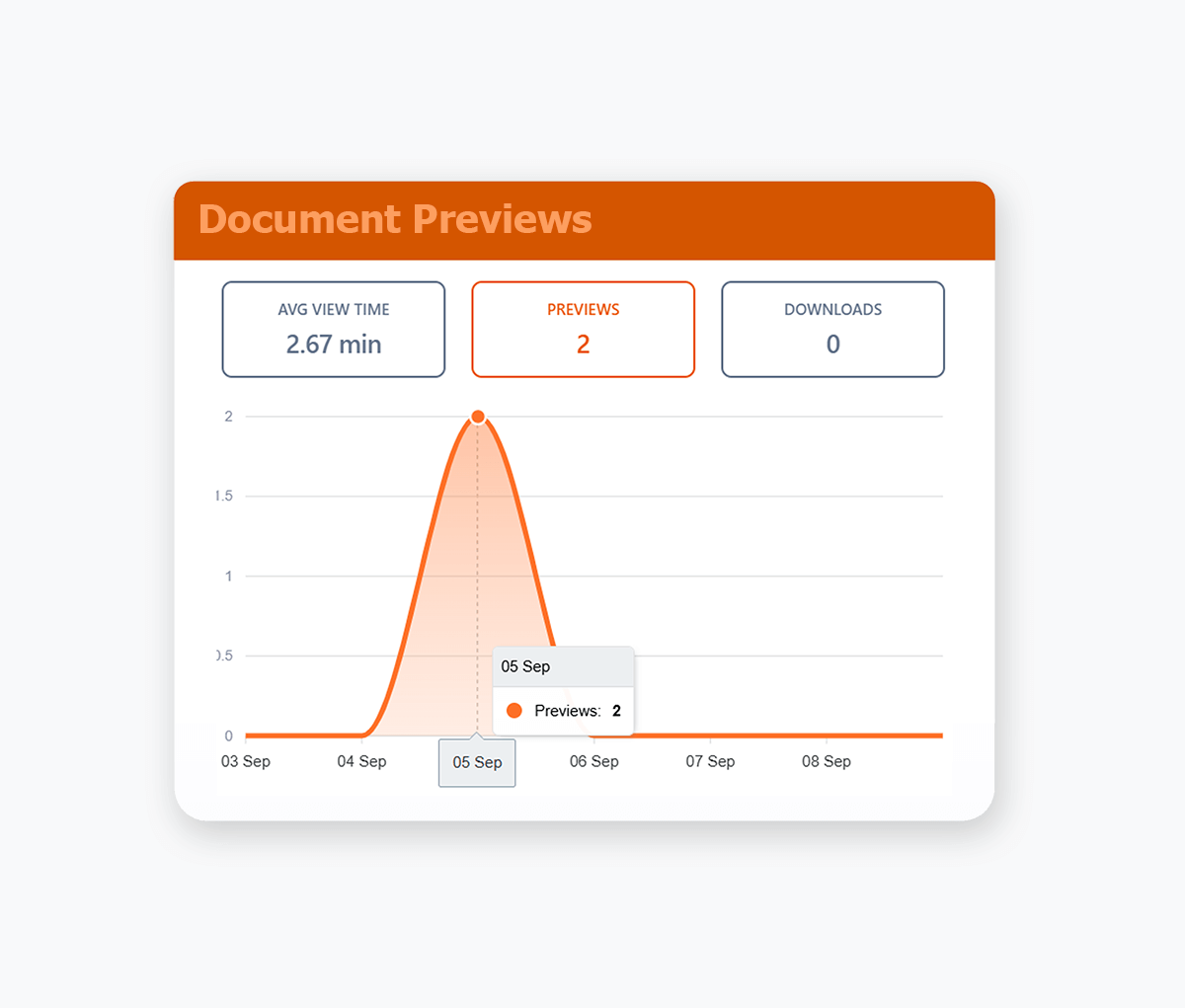
Preview documents, images, videos, and files in your browser. Support for Google Docs, PDFs, Office and 25+ other formats.
- Keep the experience seamless by letting viewers open everything in one secure, branded viewer.
- Combine preview with download controls so you decide which files can be saved and which stay view-only.
- Automatic synced with your Google Drive or Dropbox.
- PDF Documents, Google Docs/Sheets/Slides, MS Word & Powerpoint, Video, Images, Audio Files, Text files and more.
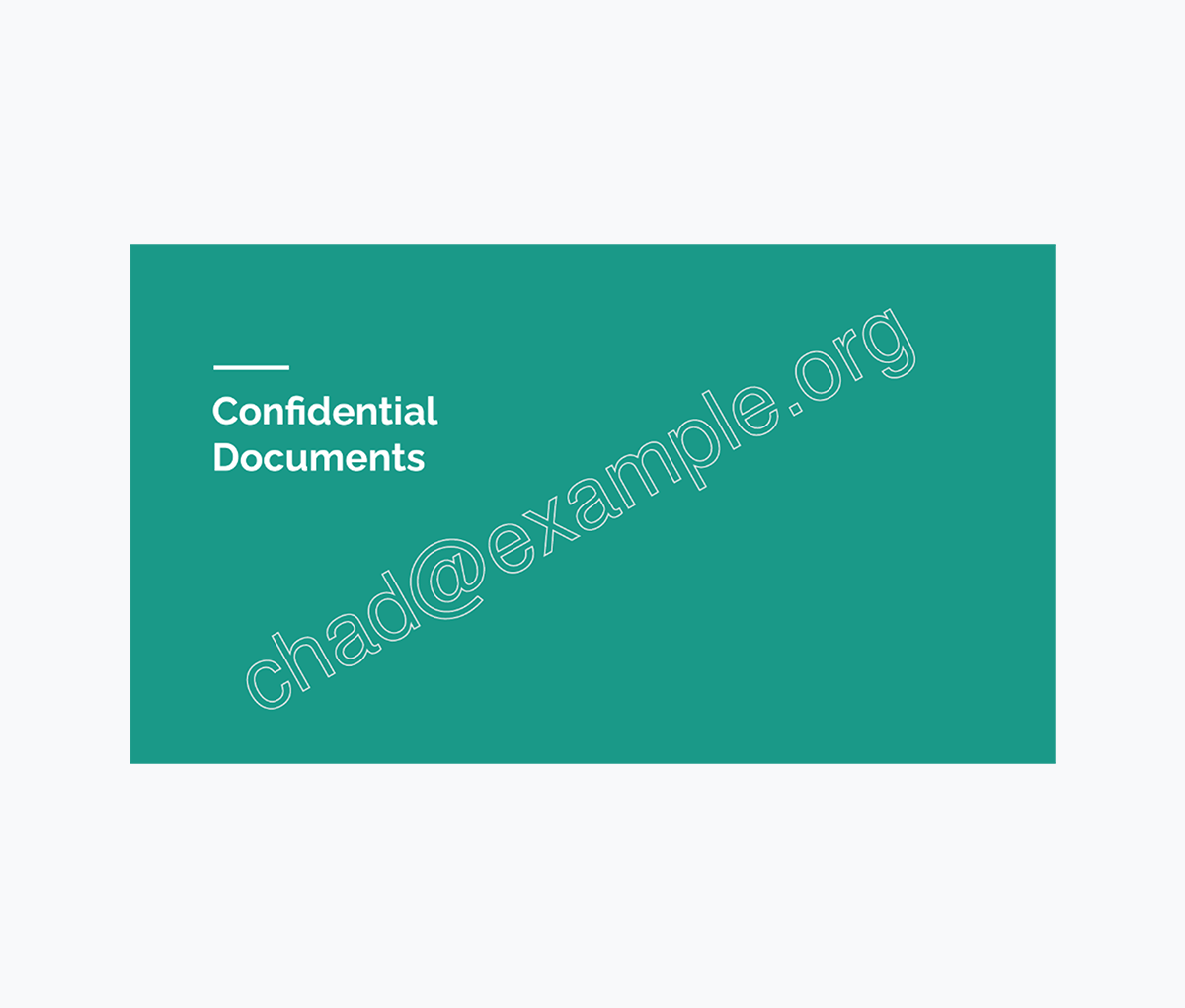
Dynamic Watermarking
Recipient Email Watermarking
Dynamically applied watermarks with each recipient's unique email address.
- Ensure confidential documents are shared with accountability.
- Dynamically applied whenever your recipients view or download your documents.
- Know exactly who has shared your document with email recipient watermarking.

We used Orangedox to host our data room for our mergers and acquisitions .. it provided easy access for our clients and reduced the number of steps needed to create and share the data rooms.
Jim Yerxa
President, Atlantic Mergers
Which platform fits your workflow?
DFIN Venue is optimized for institutional transaction infrastructure. Orangedox is optimized for fast execution with modern cloud workflows.

Choose Orangedox when you need
- You need to launch diligence workflows quickly.
- Your team already organizes files in Google Drive or Dropbox.
- You want visibility into investor or buyer engagement.
- You need scalable sharing without enterprise contracts.
- Your workflow is startup, SMB, or mid market focused.
Frequently asked questions
Your questions answered.
How to cite this page
Orangedox. (2026). "DFIN Venue vs Orangedox." Orangedox. https://www.orangedox.com/vs/dfin-vs-orangedox (accessed 2026-10-19).
Ready to create your data room?